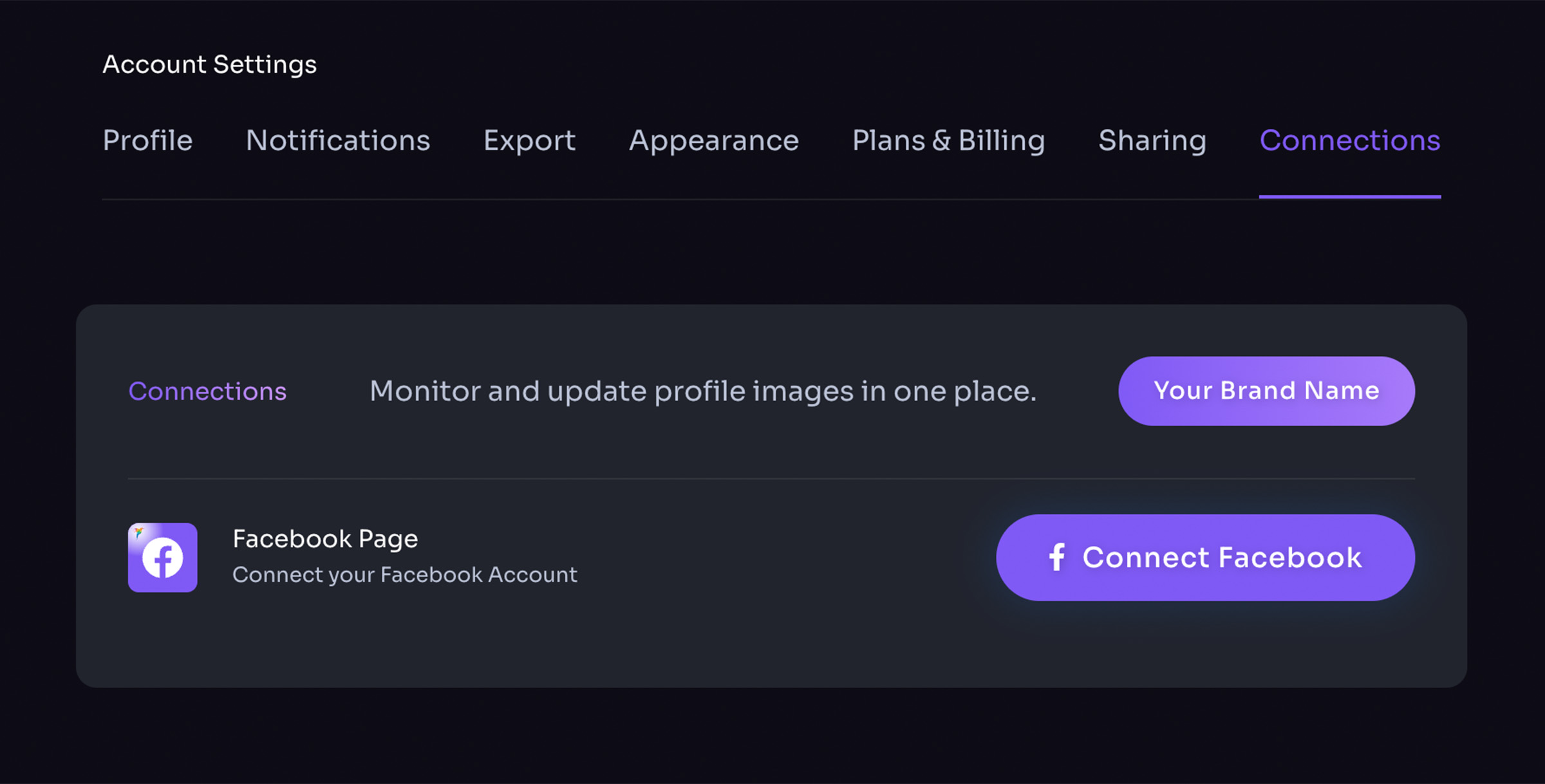


Add / Edit a Brand
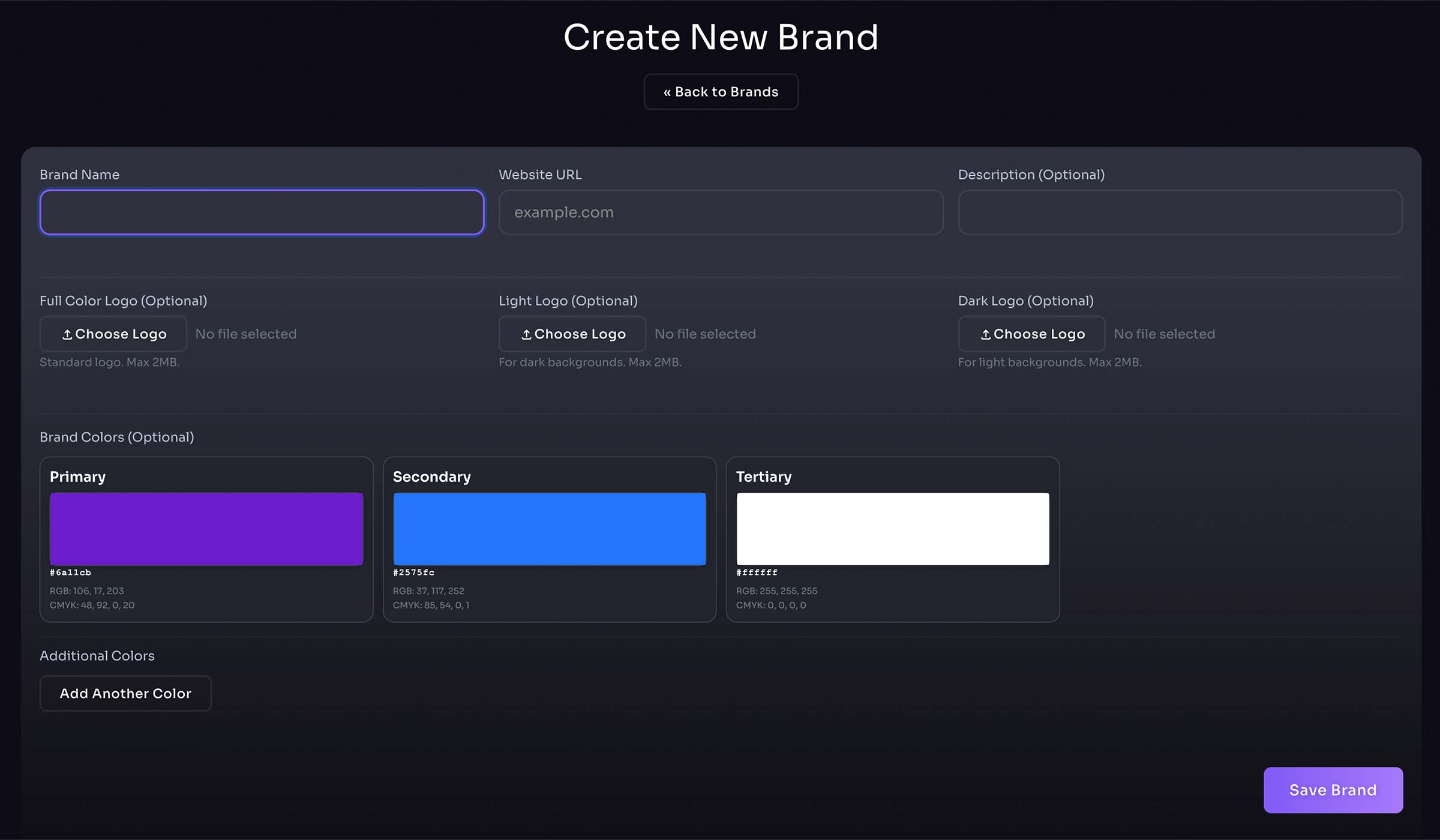
- Create a new brand here
- Enter brand name, website URL, and description
- Upload brand logos
Edit Brand
- Upload brand logos
- Upload additional brand logos and brand icons
- Drag & drop for custom display order
Pro Tip: Fetch brand from URL for quick brand creation (My Brands right panel or homepage)
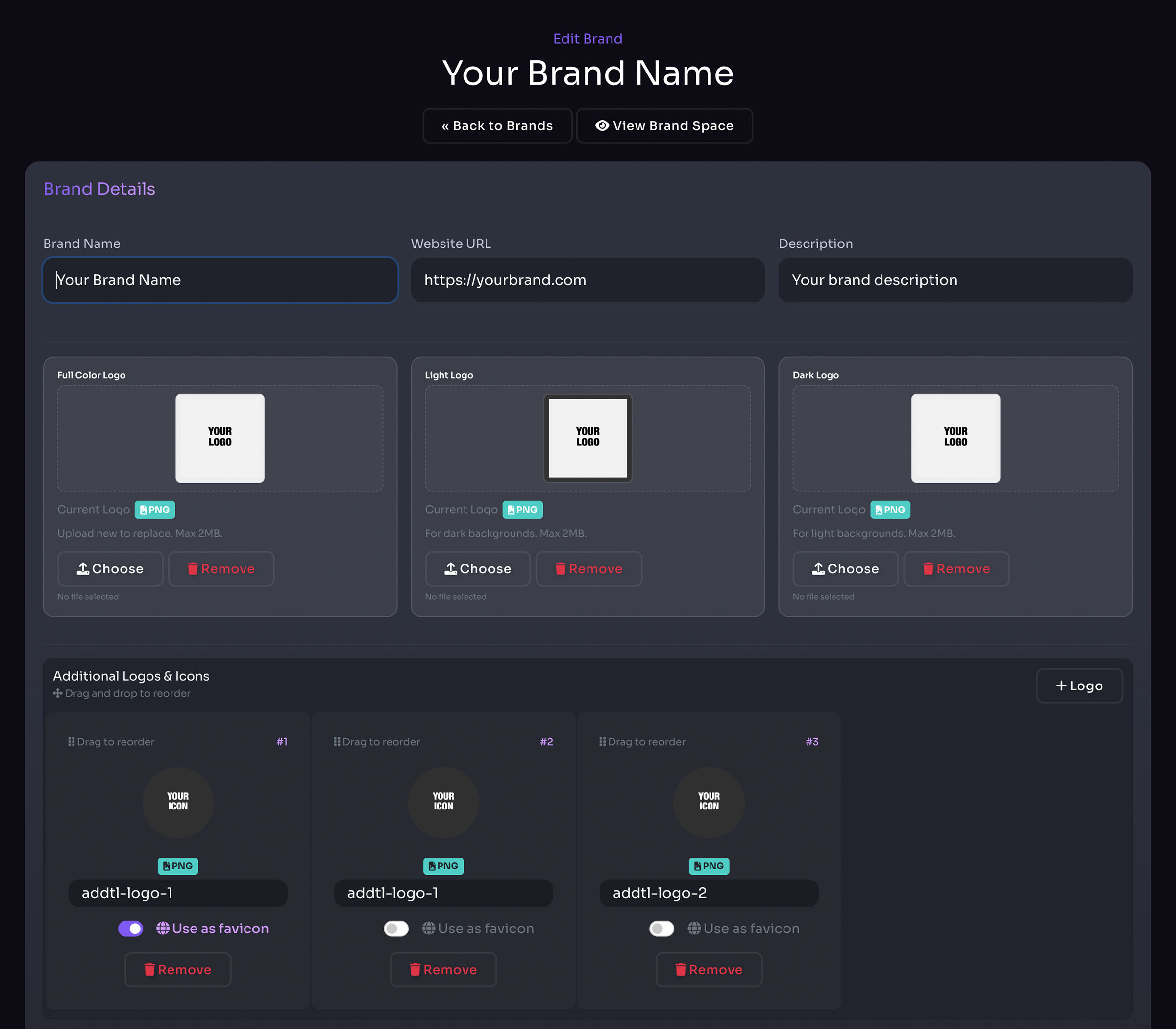
- Select and add brand colors
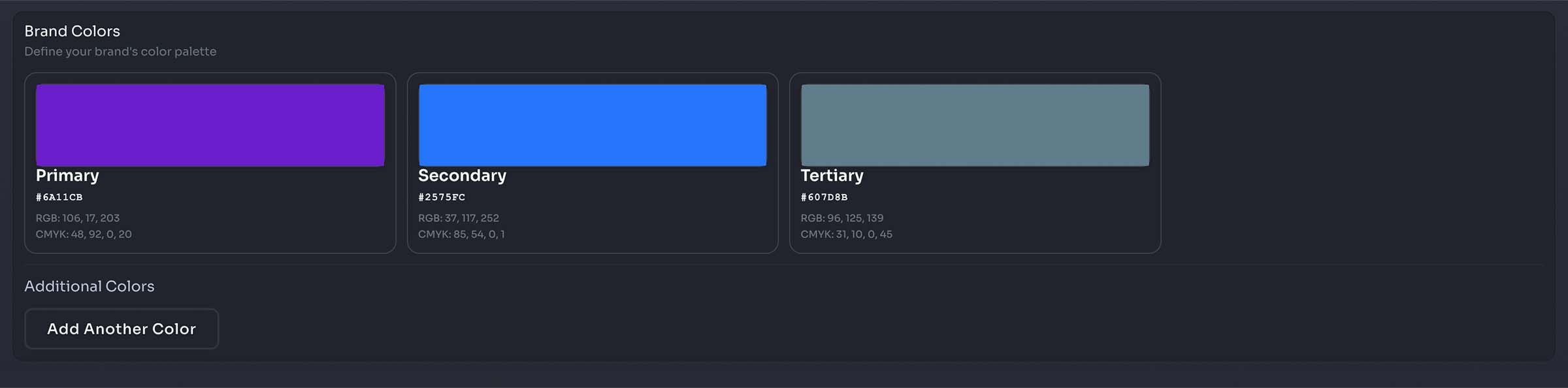
- Add brand gradients
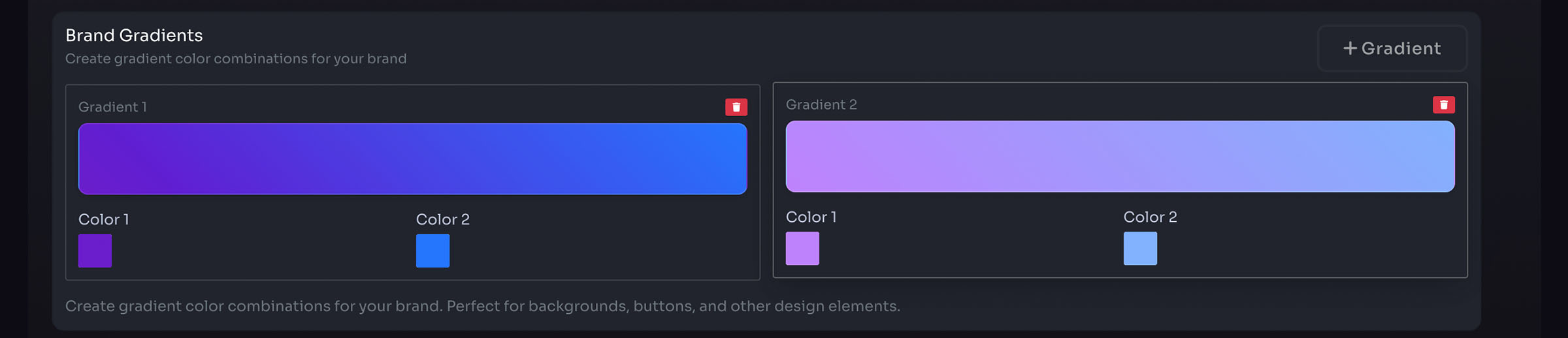
- Select and add brand fonts
- Upload custom brand fonts (premium feature)
- Add brand hashtags

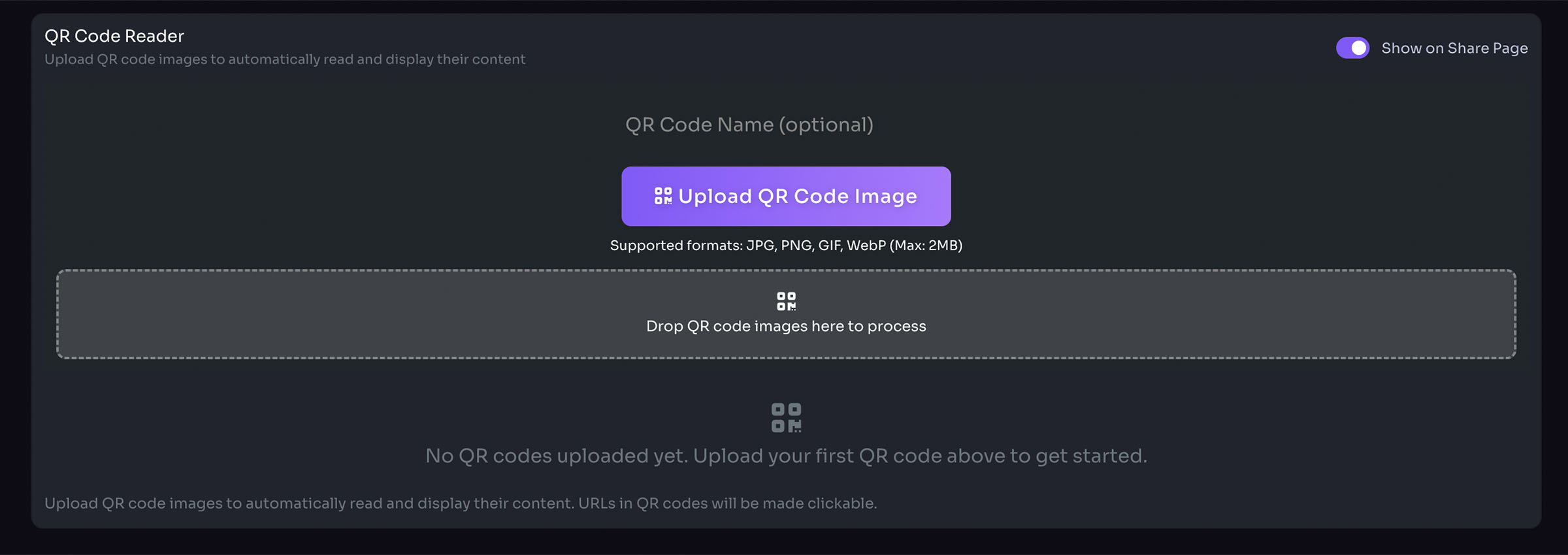
- Add brand QR codes
- Enable or disable for shared brand space
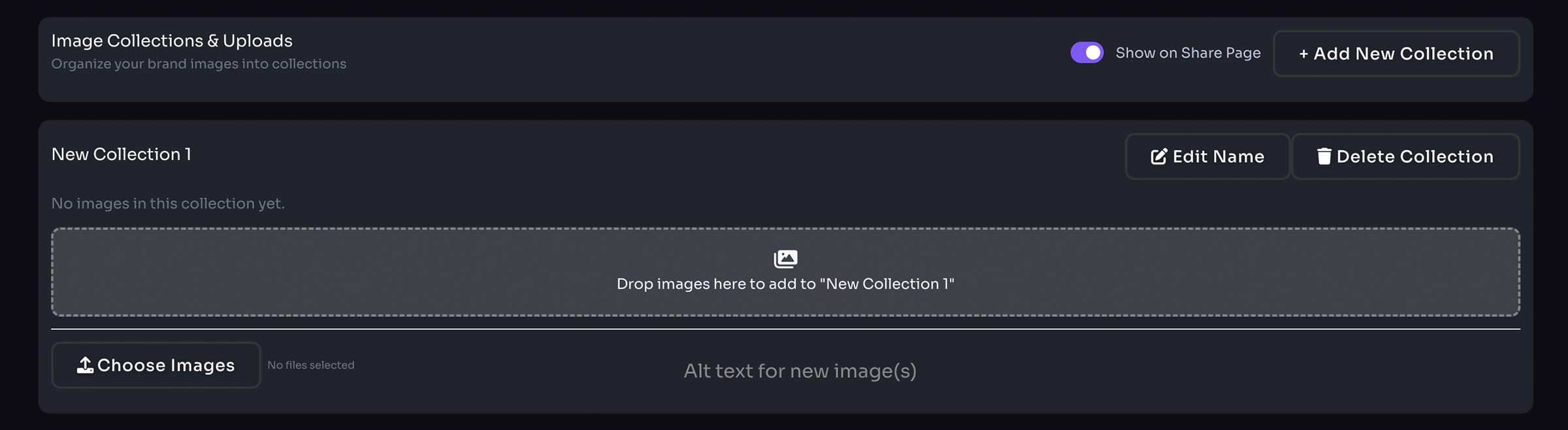
- Add brand image collections
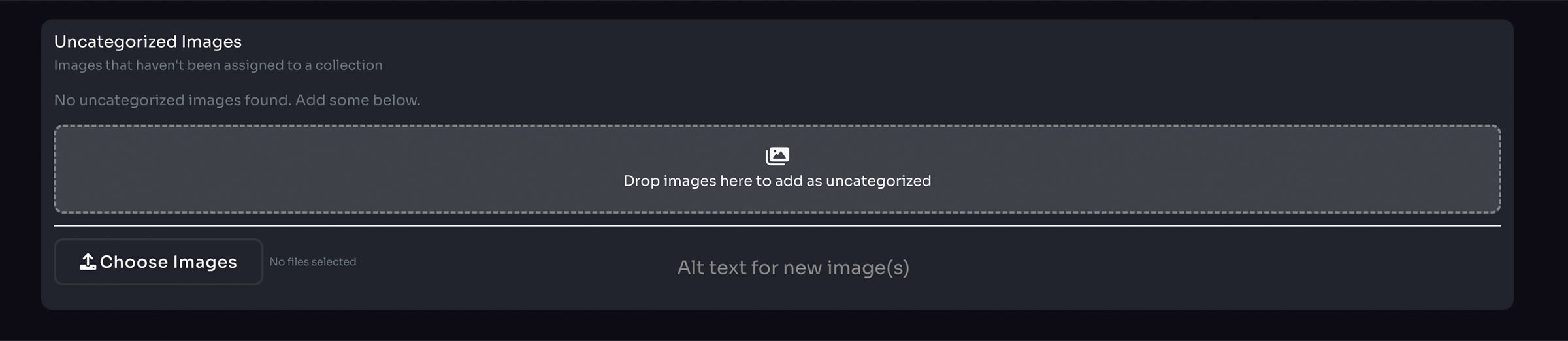
- Manage uncategorized images
- Uncategorized Images do not display on the shared brand space
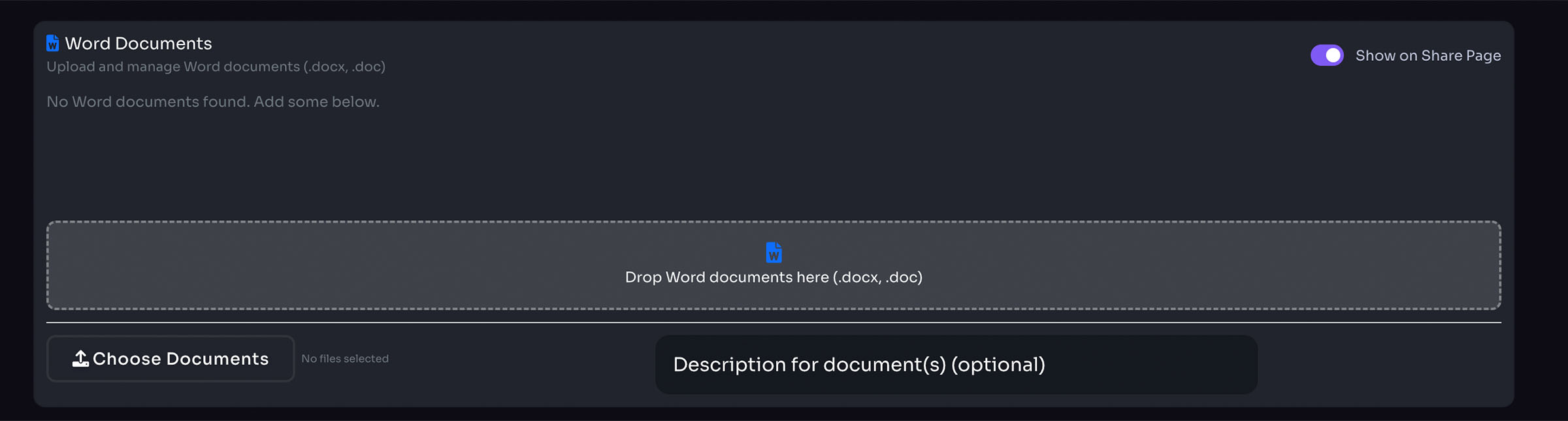
- Add brand Word Docs
- Enable or disable for shared brand space
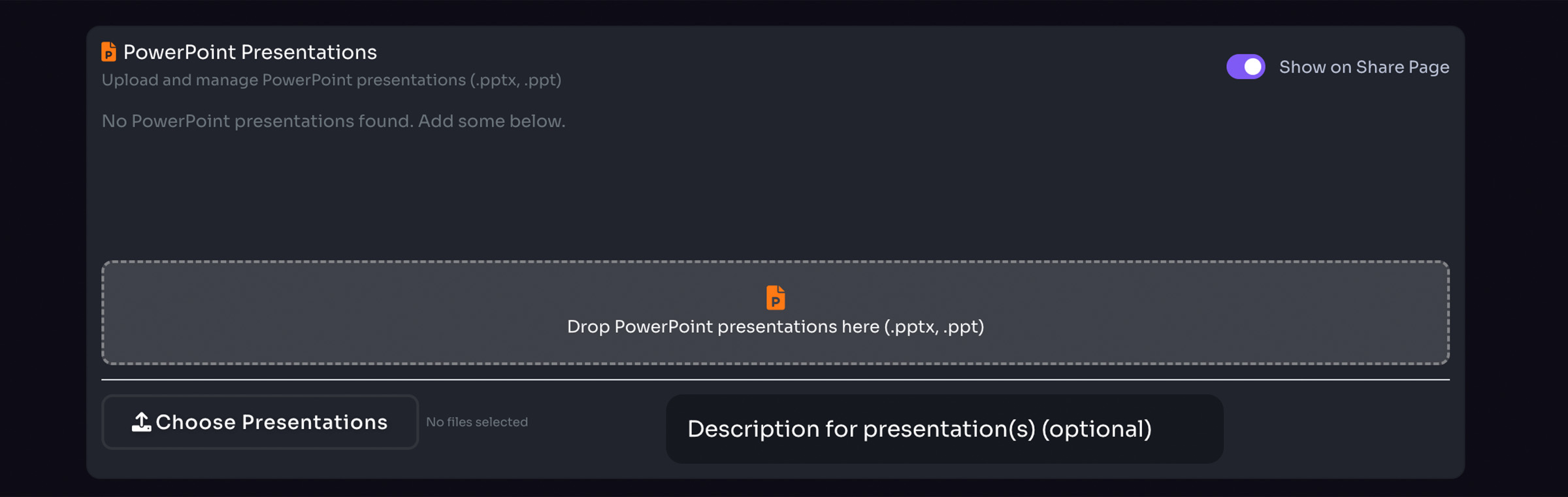
- Add brand PowerPoint Presentations
- Enable or disable for shared brand space
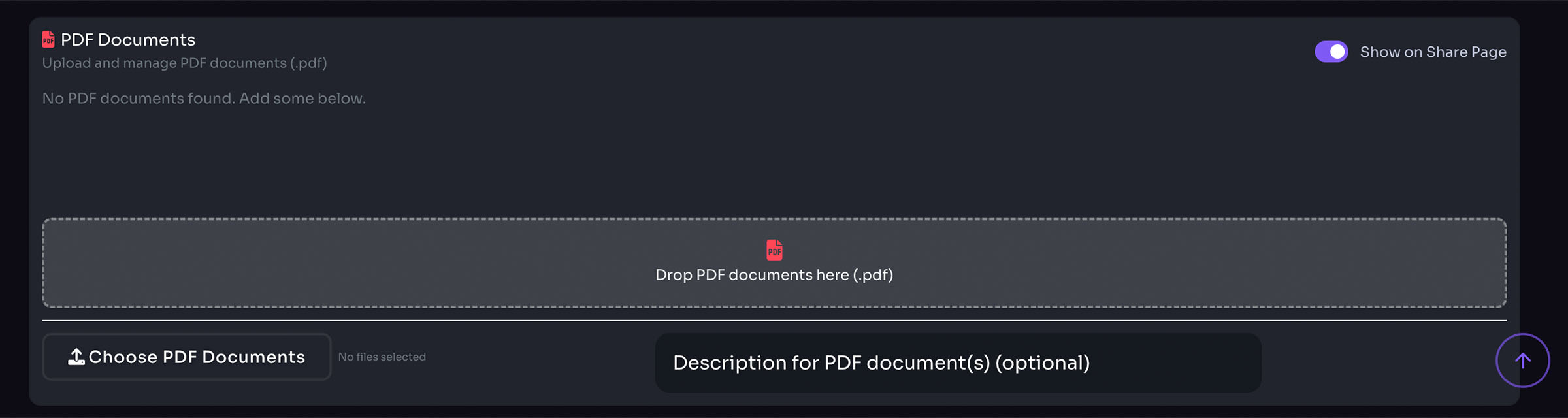
- Add brand PDF Docs
- Enable or disable for shared brand space
Brand Spaces
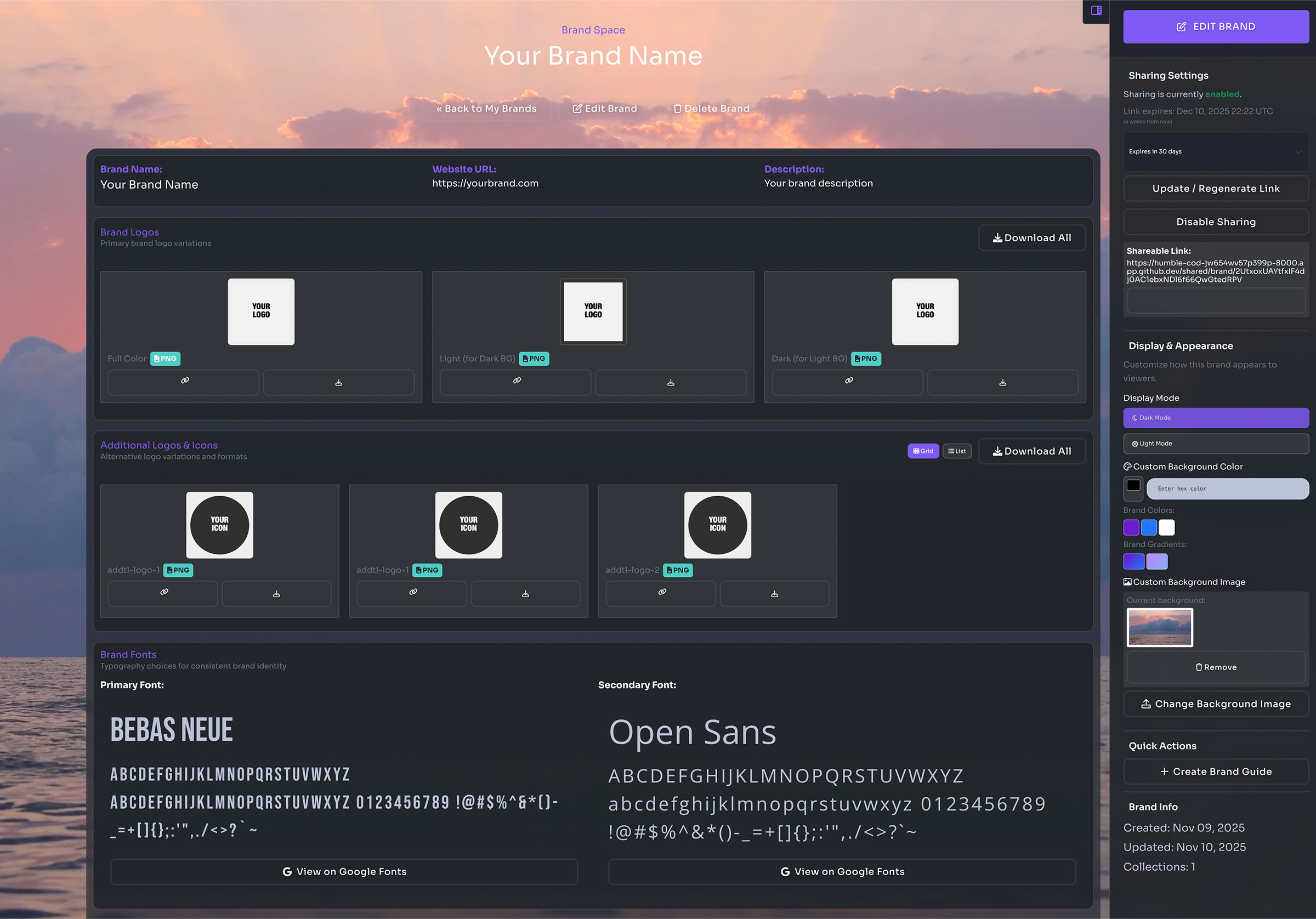
Customizing your brand space
- Change space to dark or light themes
- Add brand color or gradient as background
- Add custom background image
Sharing your brand space
- Create a link with 30-day expiration
- Or create a link with no expiration date
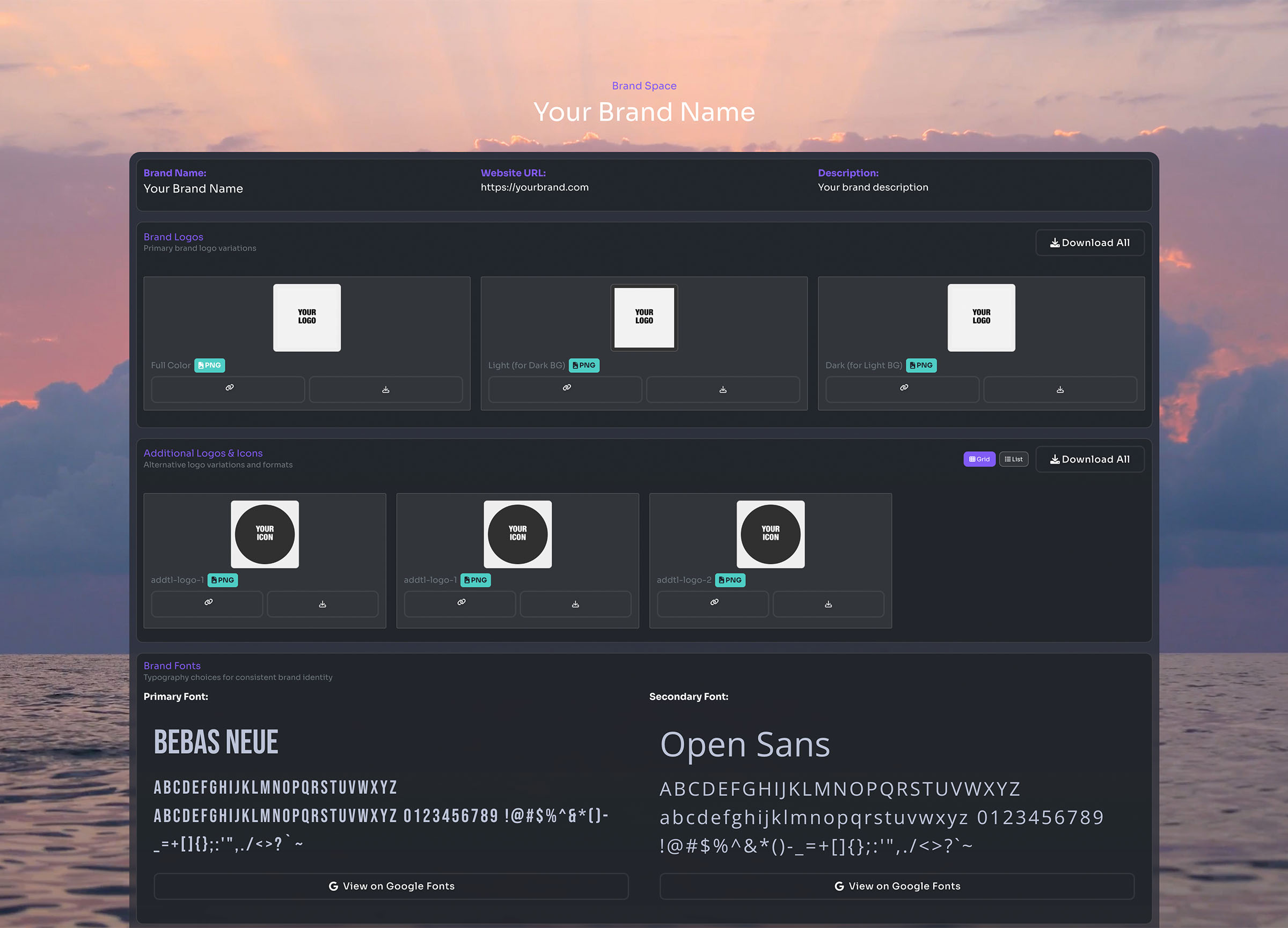
- Enable 'Show on Share Page' for sections:
- QR codes
- Image Collections
- Word Documents
- PowerPoint Presentations
- PDF Documents
- Download individual assets or download all for each section
Ad Sets
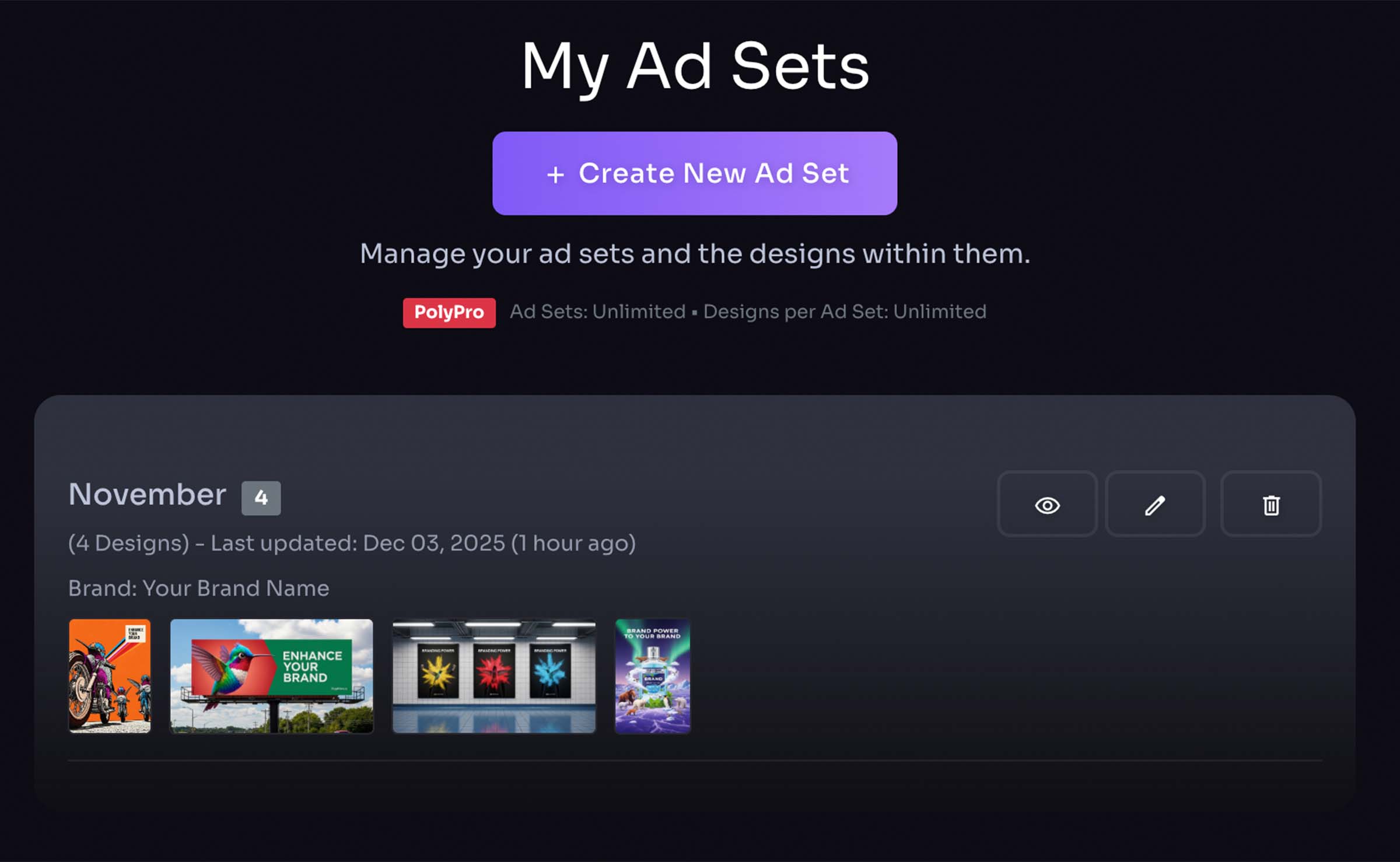
Ad Sets List
- Displays a list of all your ad sets
- Use your ad sets as a place to save generated images, and add your own elements to images in each ad set.
- Click to edit
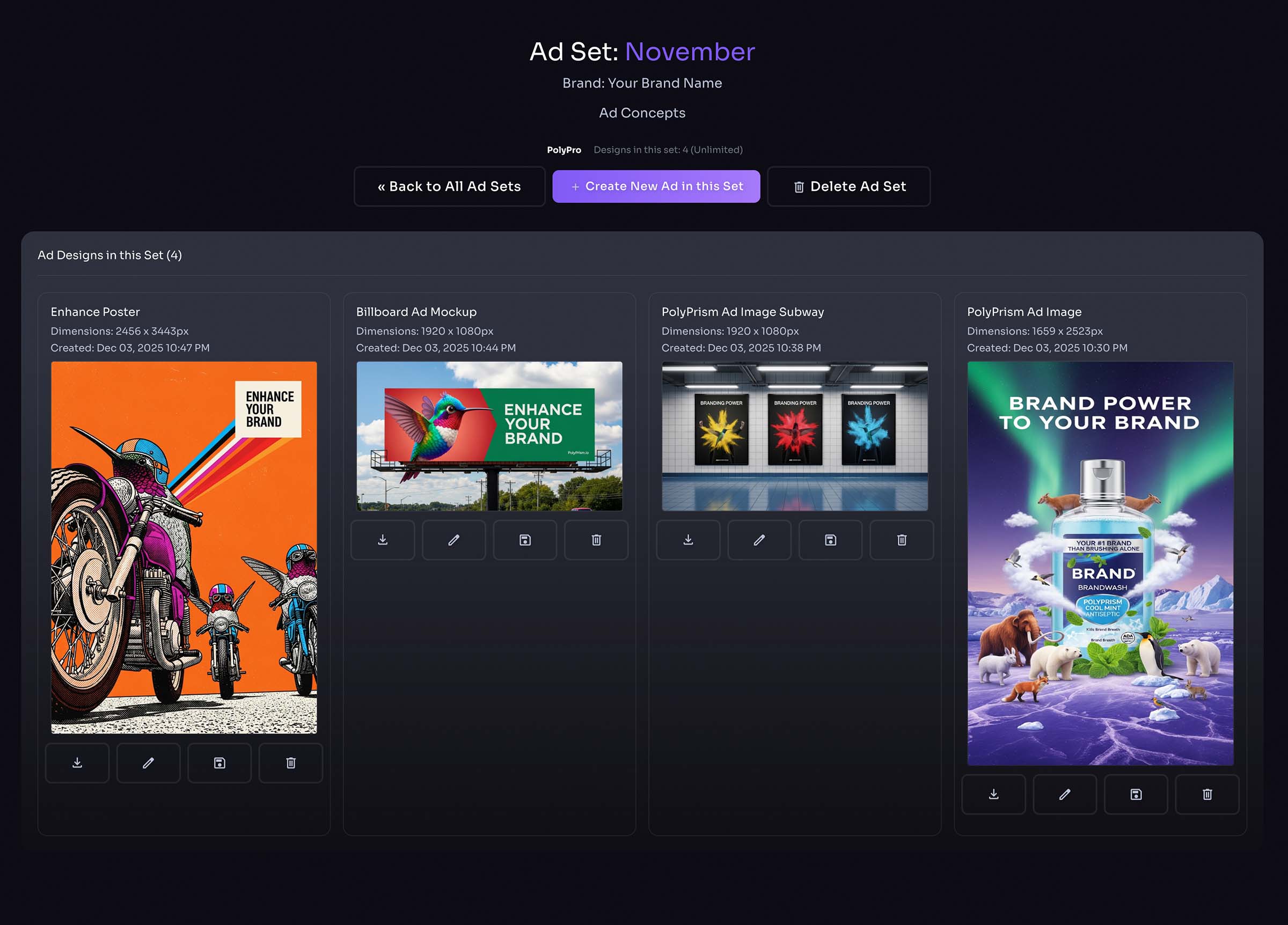
Designs within Ad Sets
- Add layers to generated design
- Download images
- Save images to brand image collection
- Delete designs
- Delete ad set
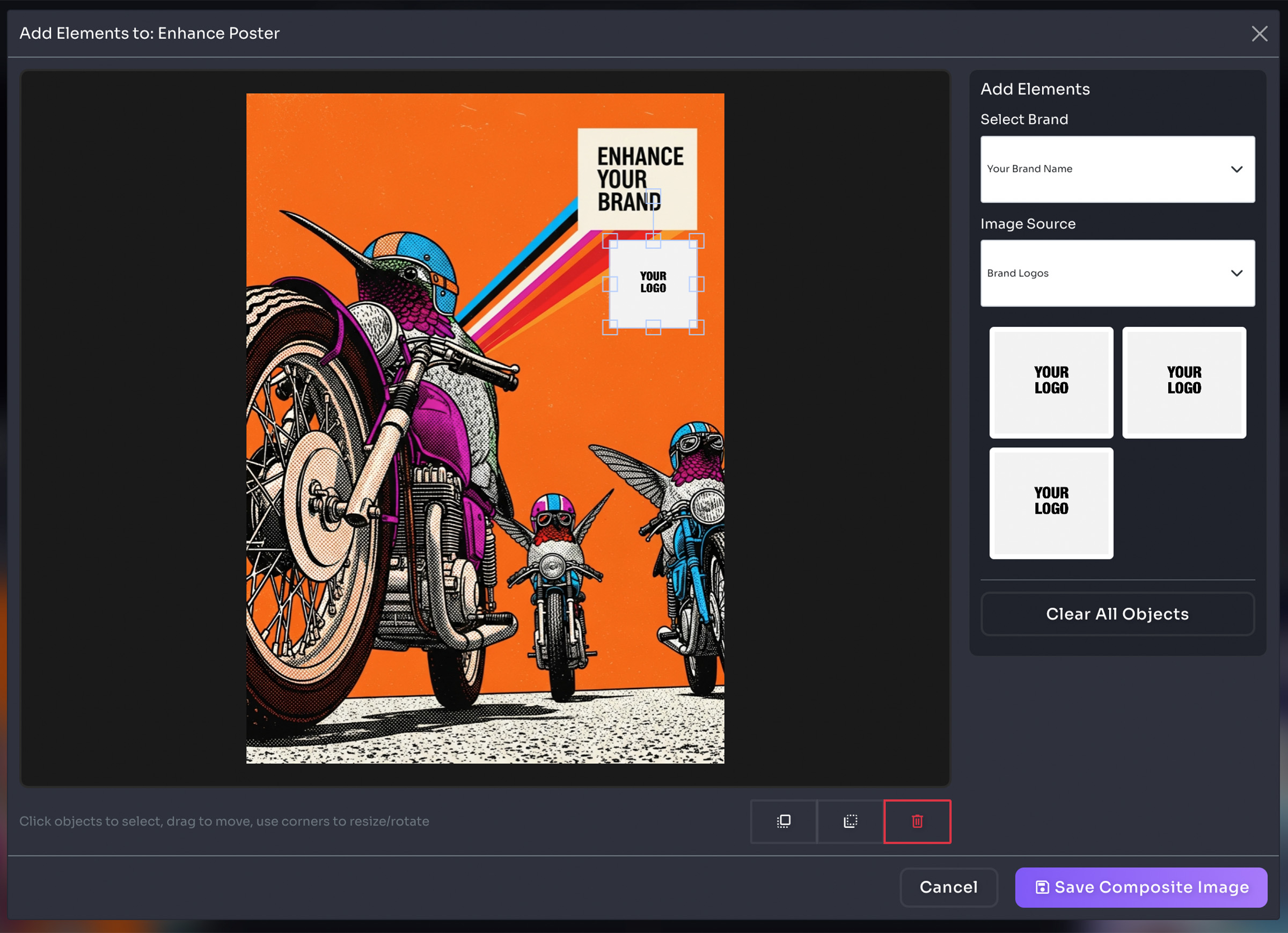
Add Layers to Generated Images
- Add logos / images
- Drag / move objects on canvas
- Saves a new image instance
- Preserves original generated image
Ad Designer
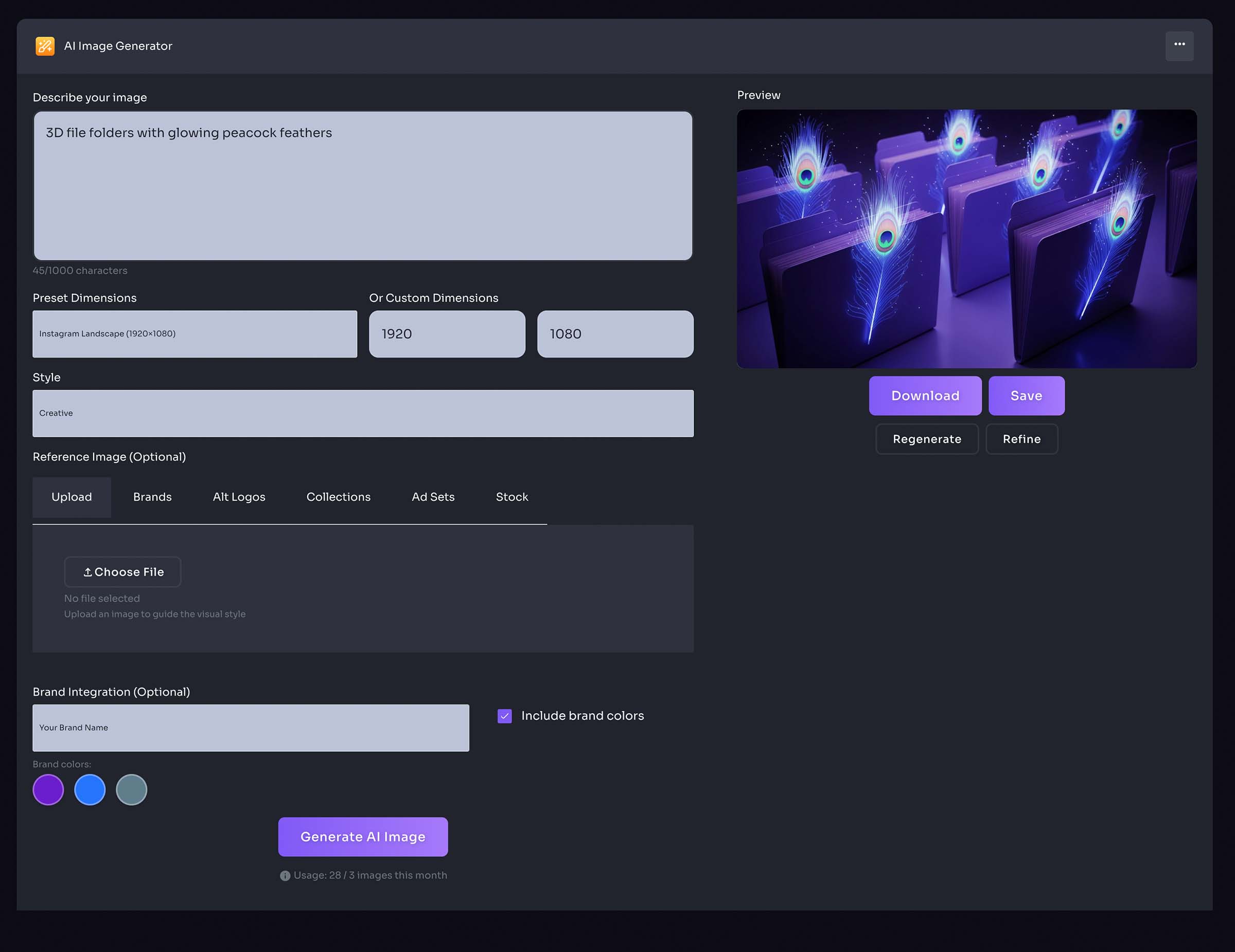
AI Image Generator
- Choose from preset AI prompts, or type in your own
- Select image style
- Add reference image (optional)
- Select Brand (optional)
- Save to brand image collection, or ad set
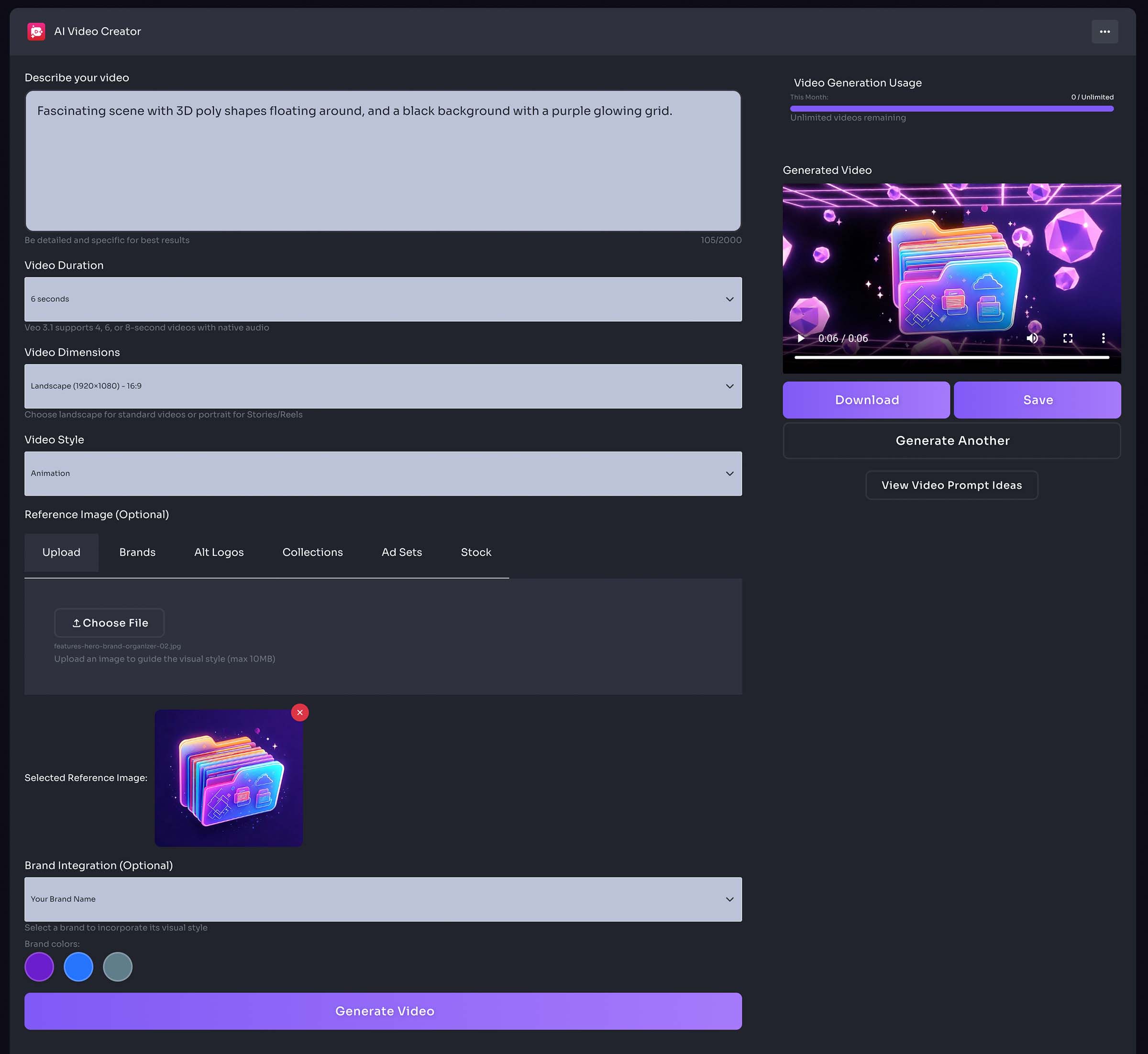
Video Creator
AI Video Generator
- Choose from preset AI prompts, or type in your own
- Select video duration
- Select video Dimensions
- Select video style
- Add reference image (optional)
- Select Brand (optional)
- Download to your device
Templates
Posts, stories, news feeds, banners, print
- Select template type
- Post
- Story
- News Feed
- Banner
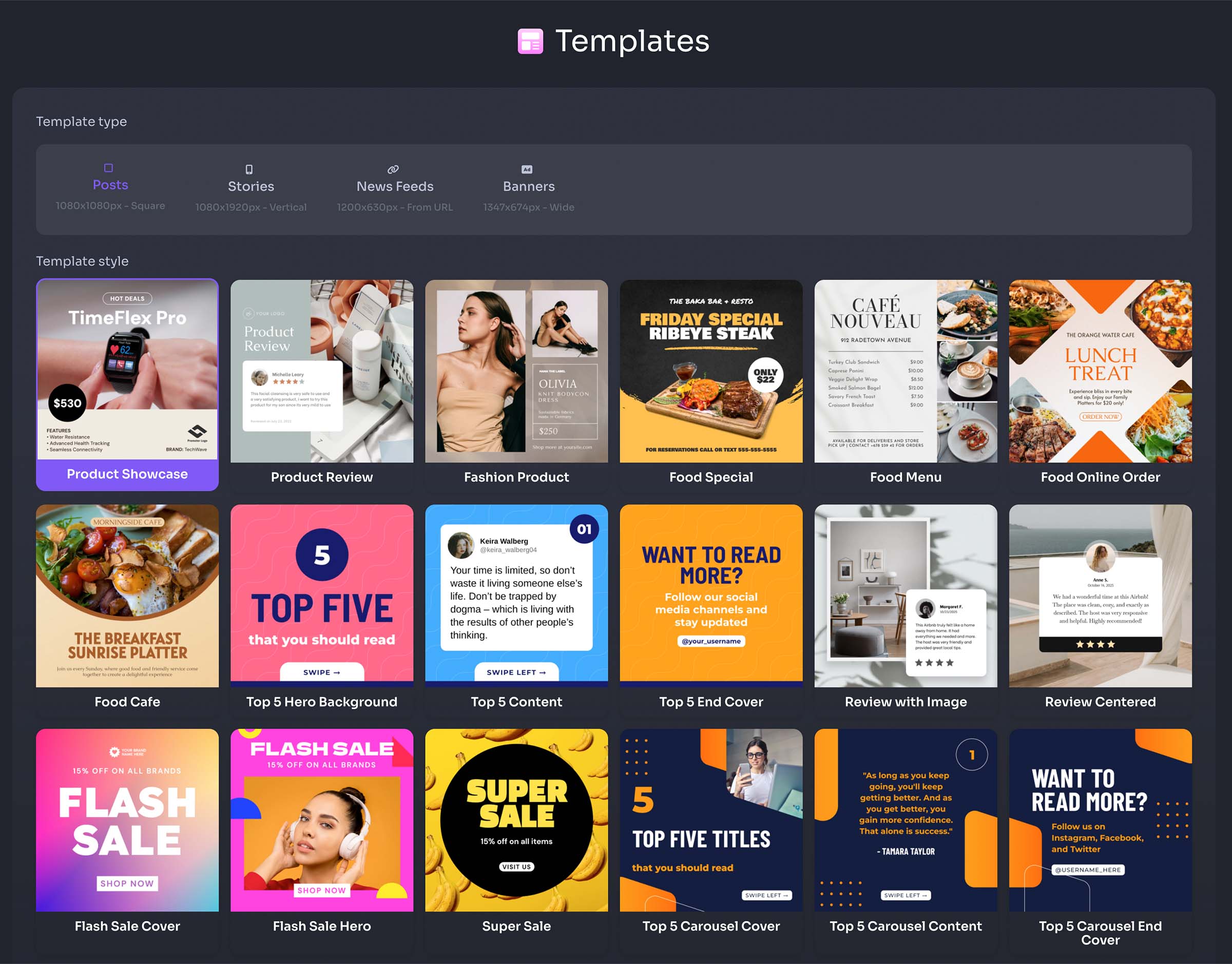
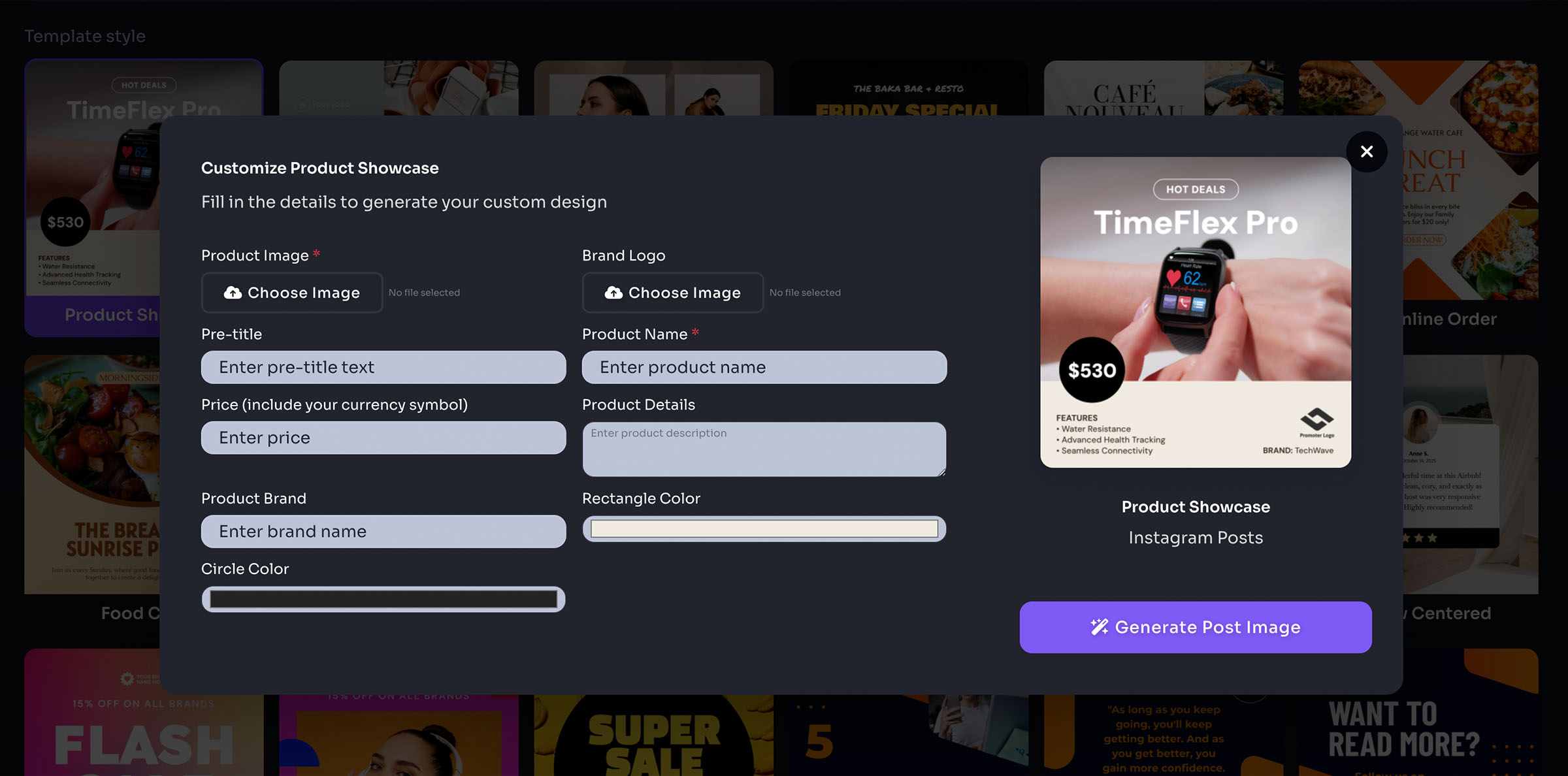
- Select template
- Enter details, upload images
- Generate image
- Download image
- Save to collection
Email Signatures
- Select brand
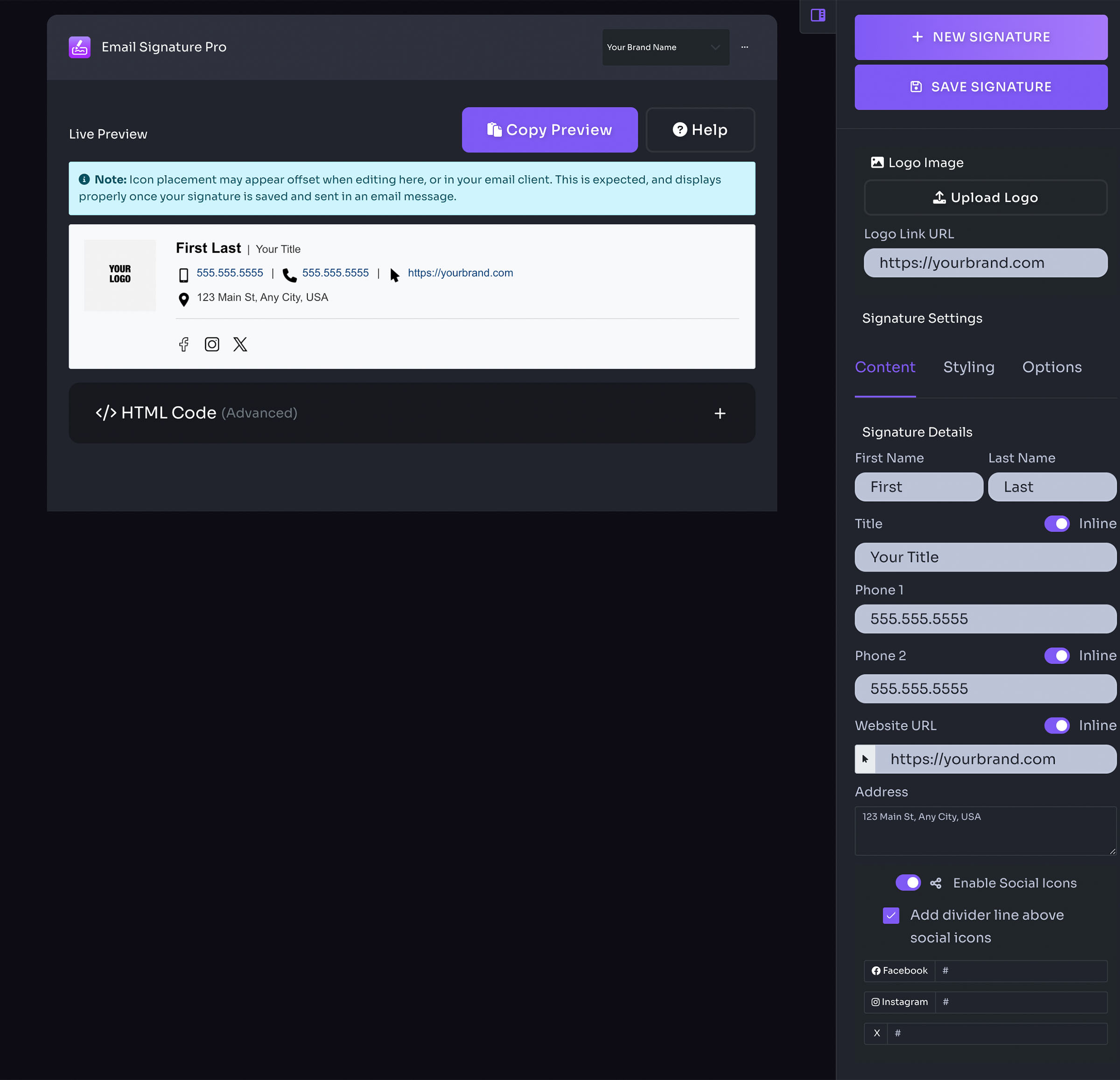
- Enter details in right panel
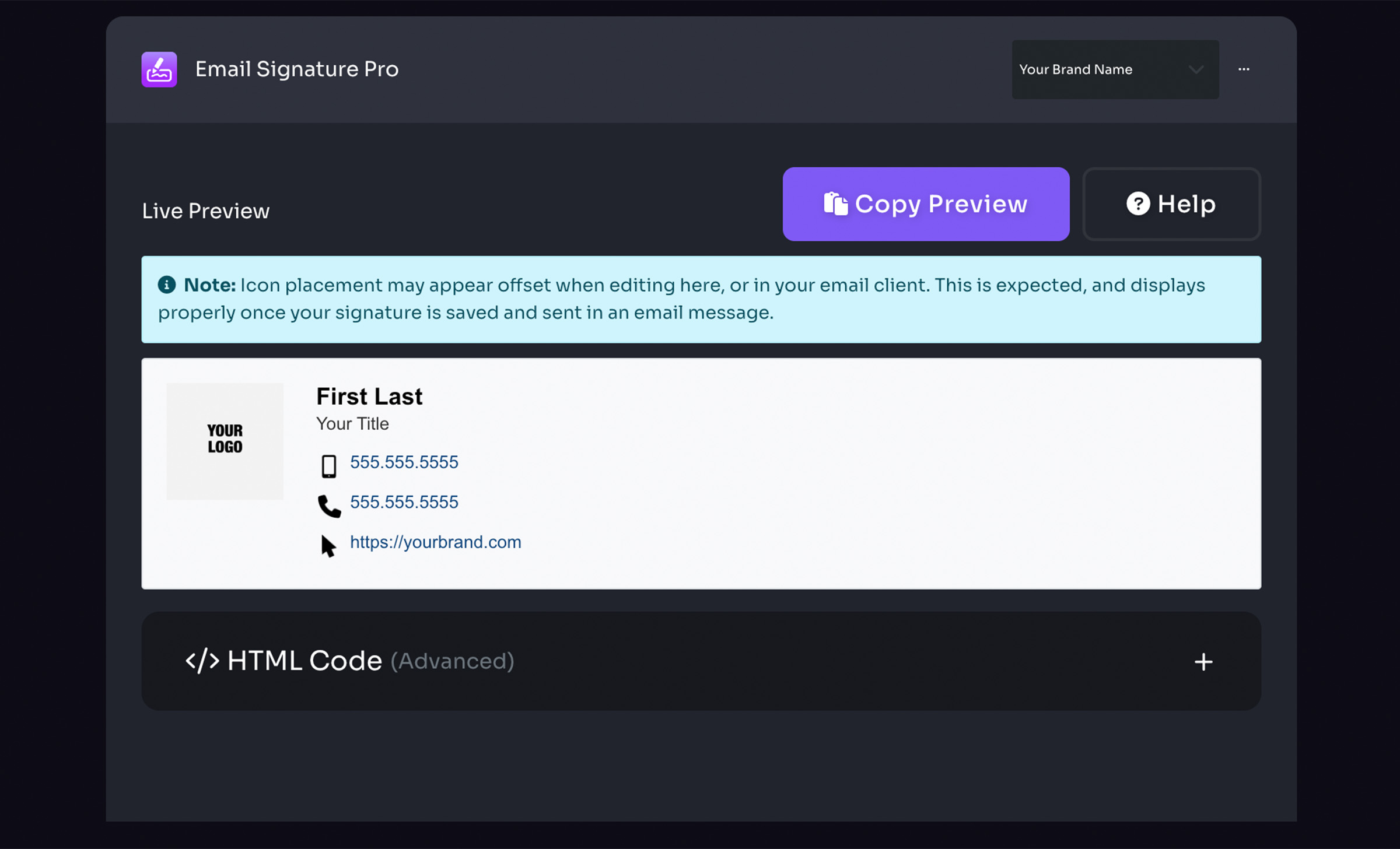
- Live Preview (Copy preview, Help, Note, Preview canvas, HTML code)
- Right panel
- New signature
- Save signature
- Upload custom image
- Add logo link
- Select saved signature / delete signatures
- Signature settings (Content, Styling, Options)
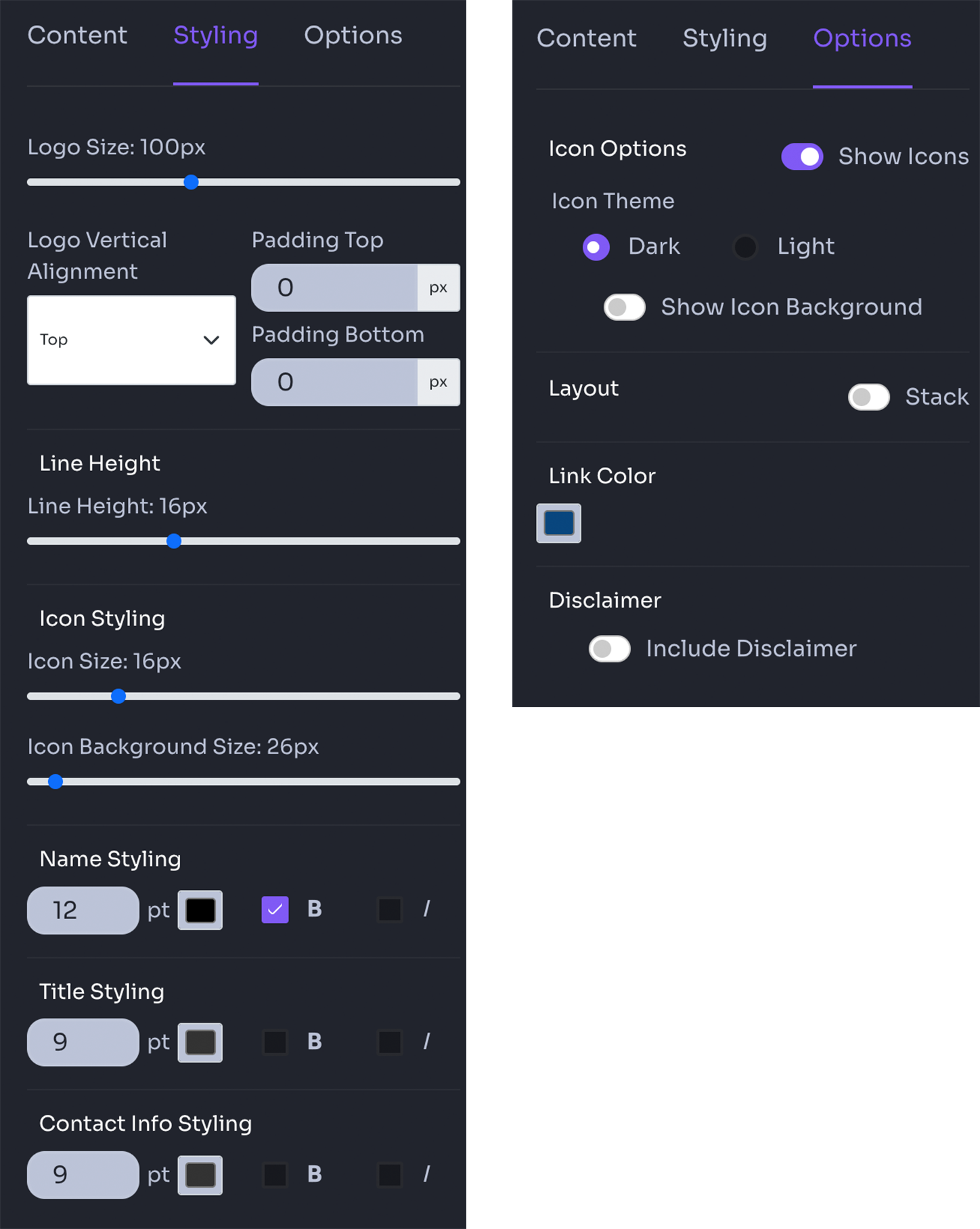
Email Signature Styling
- Adjust logo size
- Adjust logo alignment & padding
- Adjust line height
- Adjust icon size
- Adjust name, title, and conact info styles
Email Signature Options
- Enable icons
- Adjust icon theme light / dark
- Show icon background shape
- Stack signature layout
- Adjust link color
- Enable email disclaimer text
Meeting Backdrops
- Select brand
- Adjust logo position
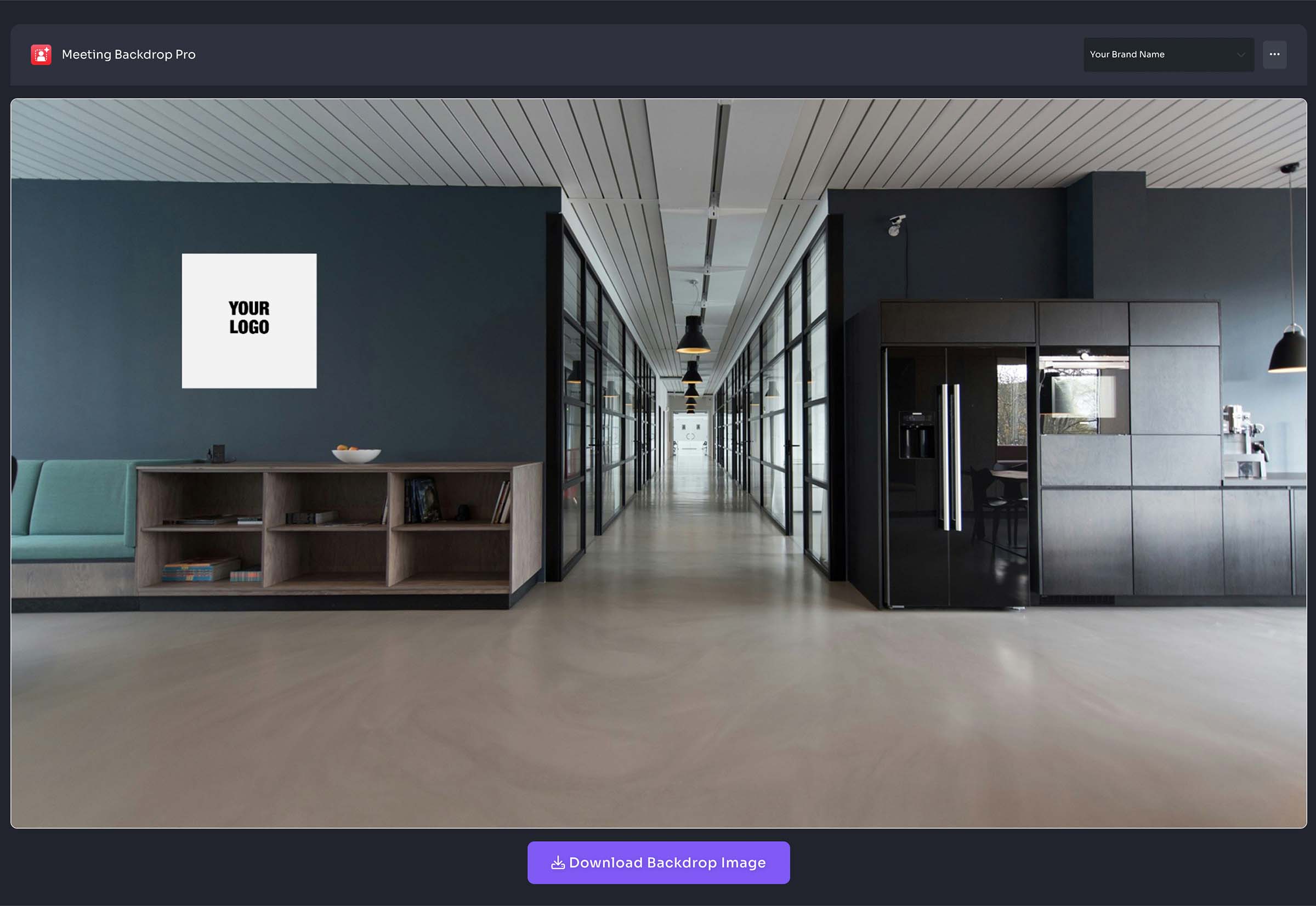
- Select pre-set or upload custom backdrop image
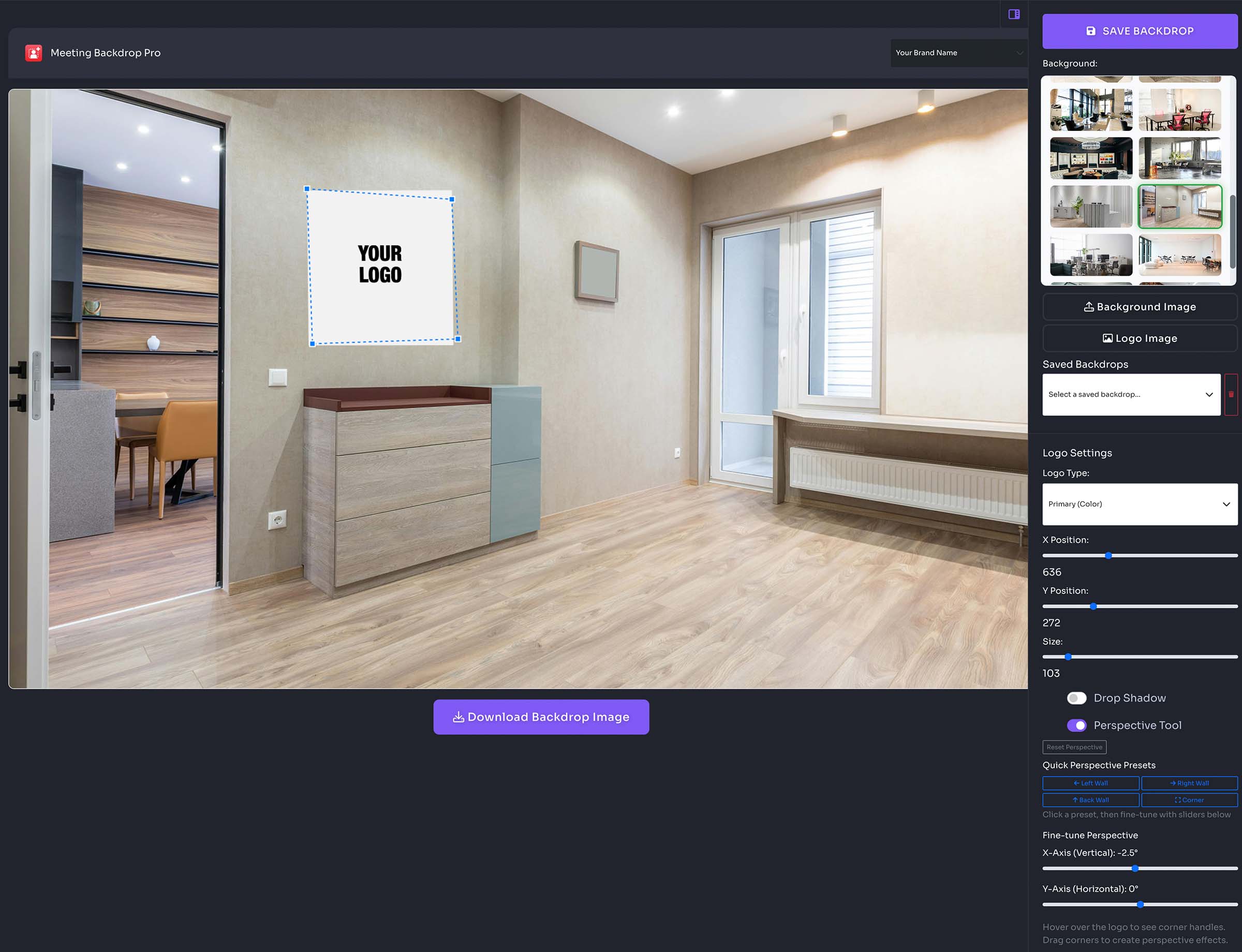
- Right panel
- Save backdrop
- Select backdrop image
- Upload custom backdrop image
- Upload custom logo image
- Select saved backdrops
- Logo settings (Select brand logo variation, Adjust position, Adjust logo size, Enable drop shadow, Enable perspective tool)
Poly Docs
Word Docs
- Select brand (if applicable)
- Select a Word Document template
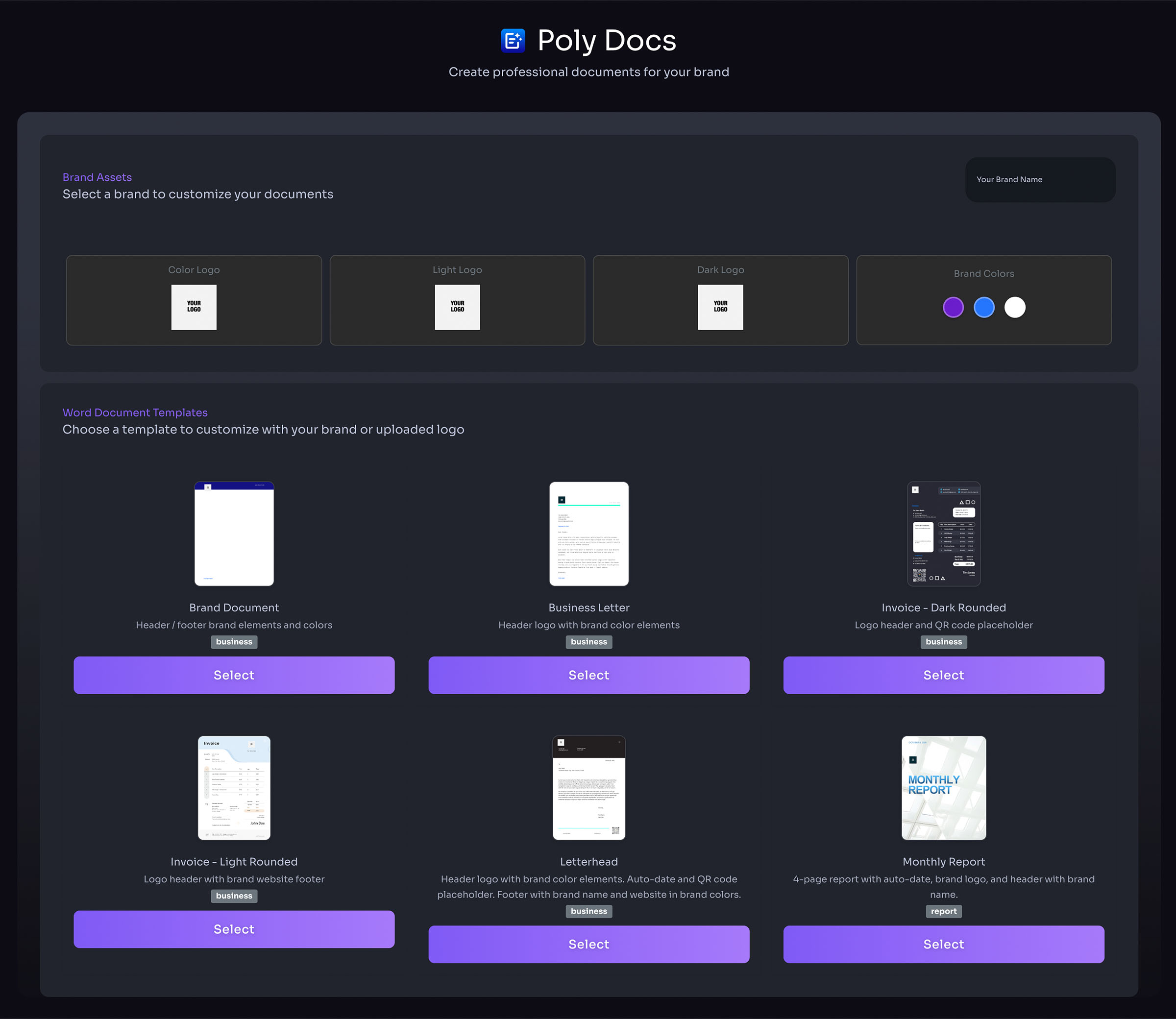
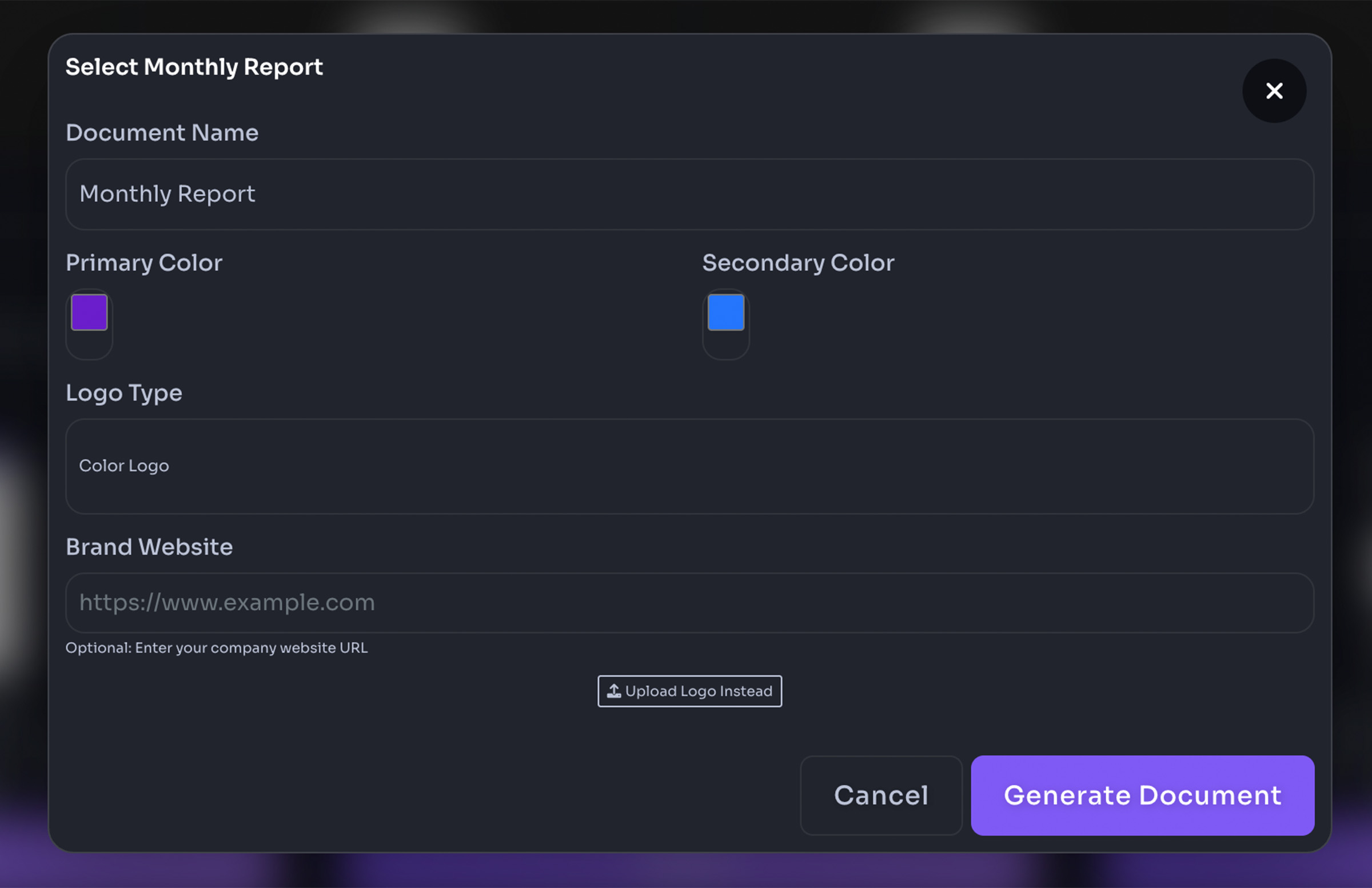
- Enter details (optional) – will auto-populate with your saved brand details
- Select colors if needed – brand colors are auto-populated
- Make custom adjustments
- Generate document
- Download file

PowerPoint Presentations
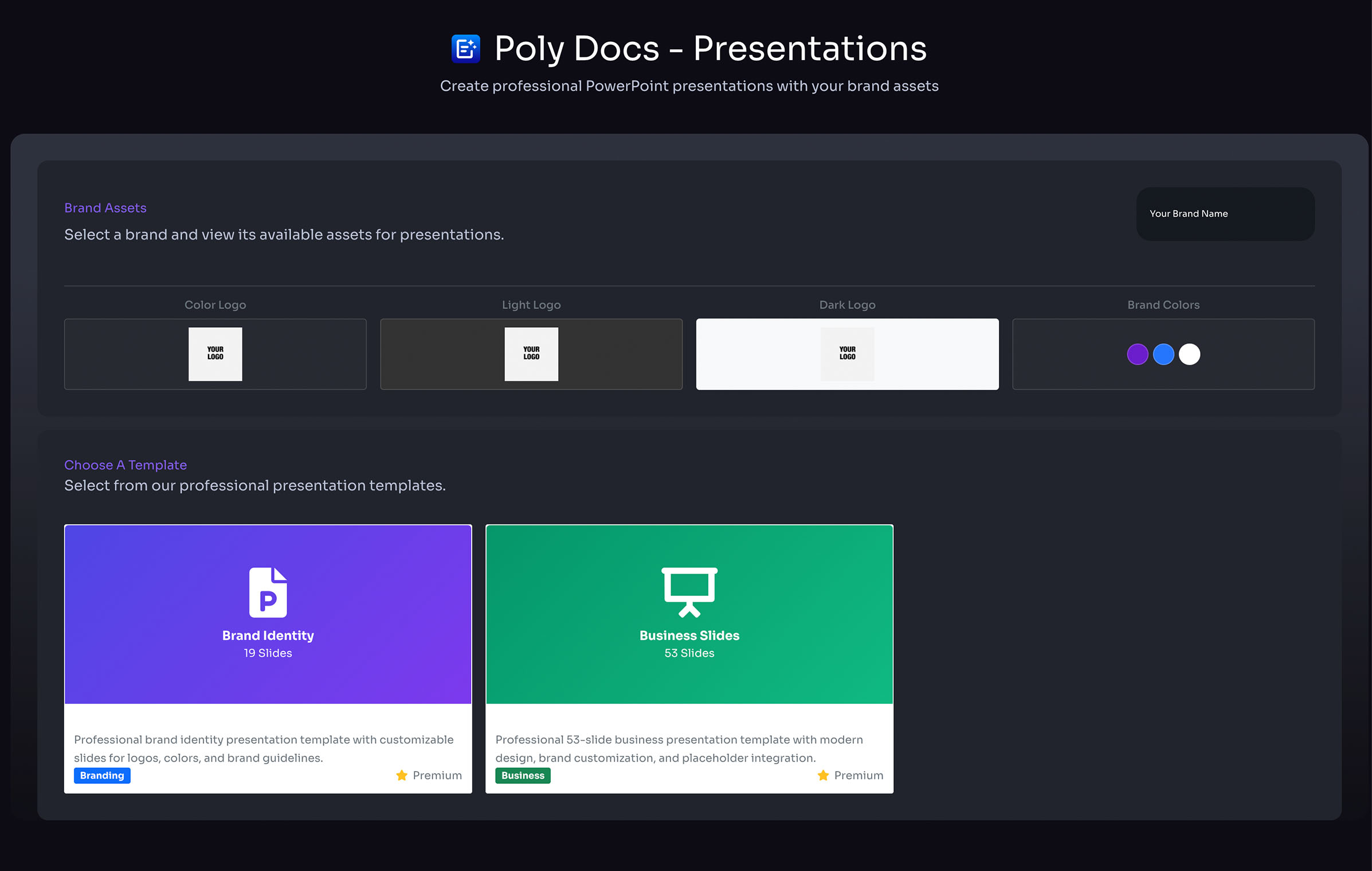
- Select brand (if applicable)
- Select a PPT Document template
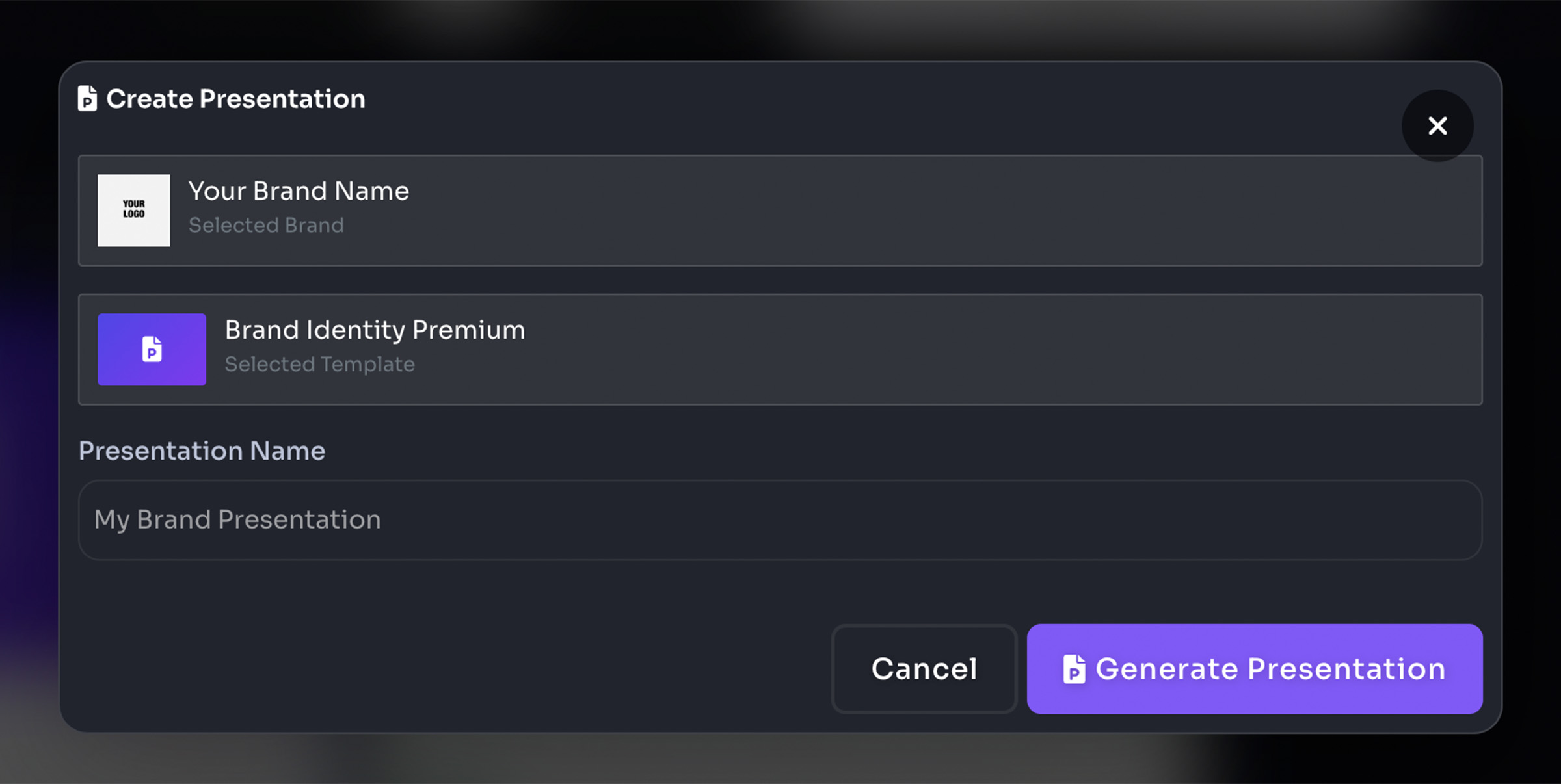
- Name document
- Generate presentation
- Download file
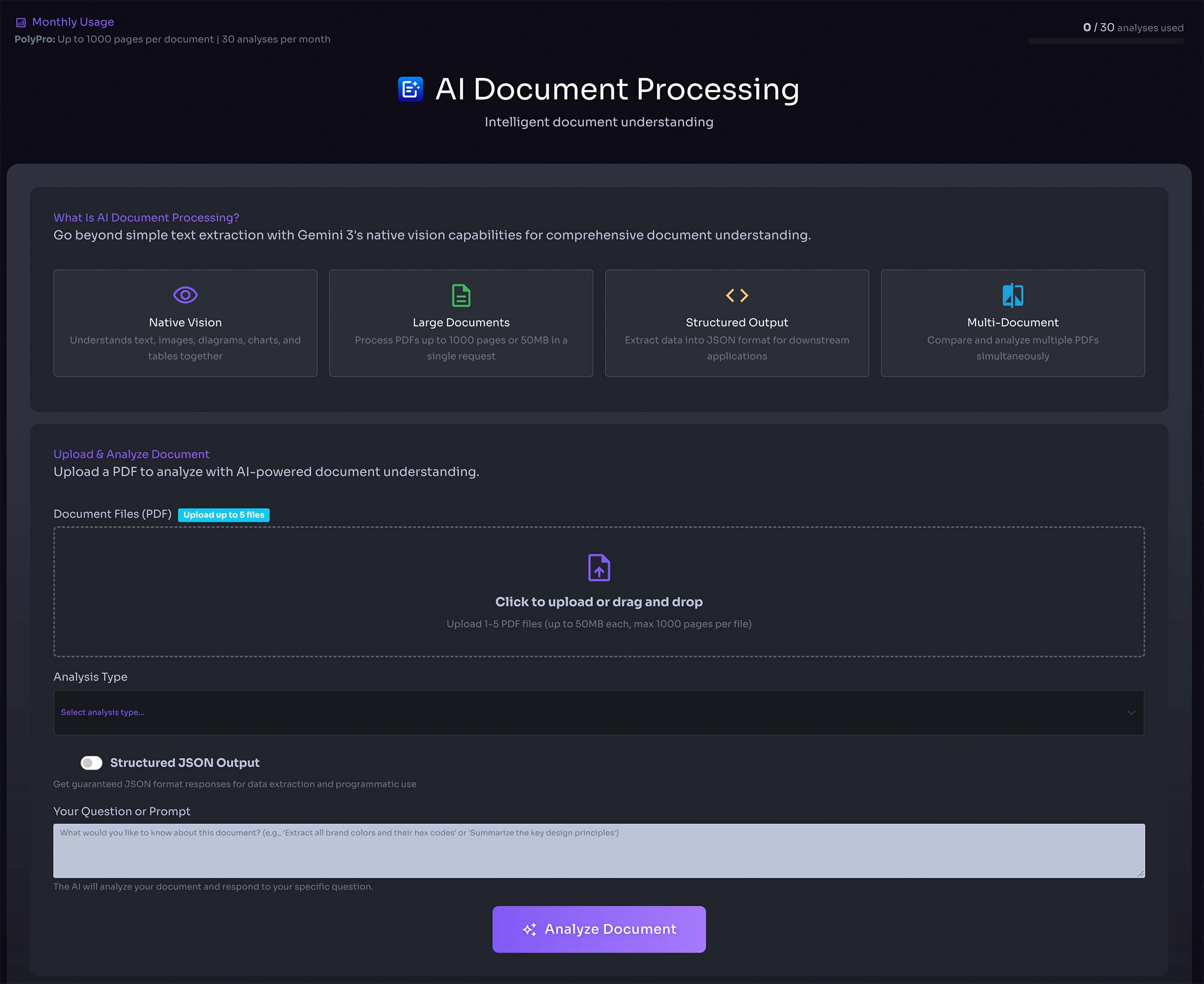
AI Document Processing
- Upload existing documents for AI-powered processing
- Extract and analyze document content
- Transform documents with intelligent formatting
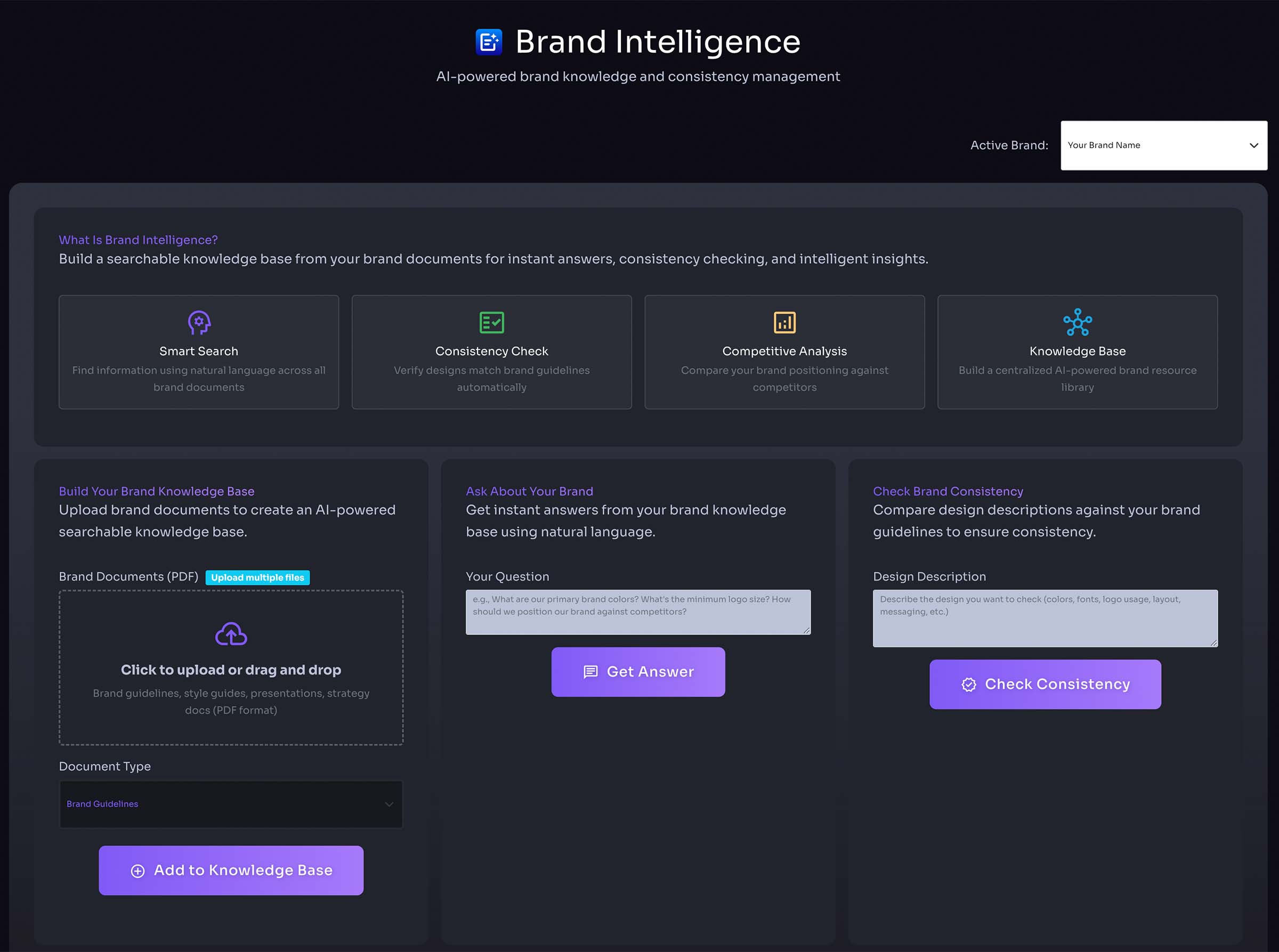
Brand Intelligence
- Analyze brand consistency across documents
- Maintain cohesive brand identity
- Track brand usage and patterns
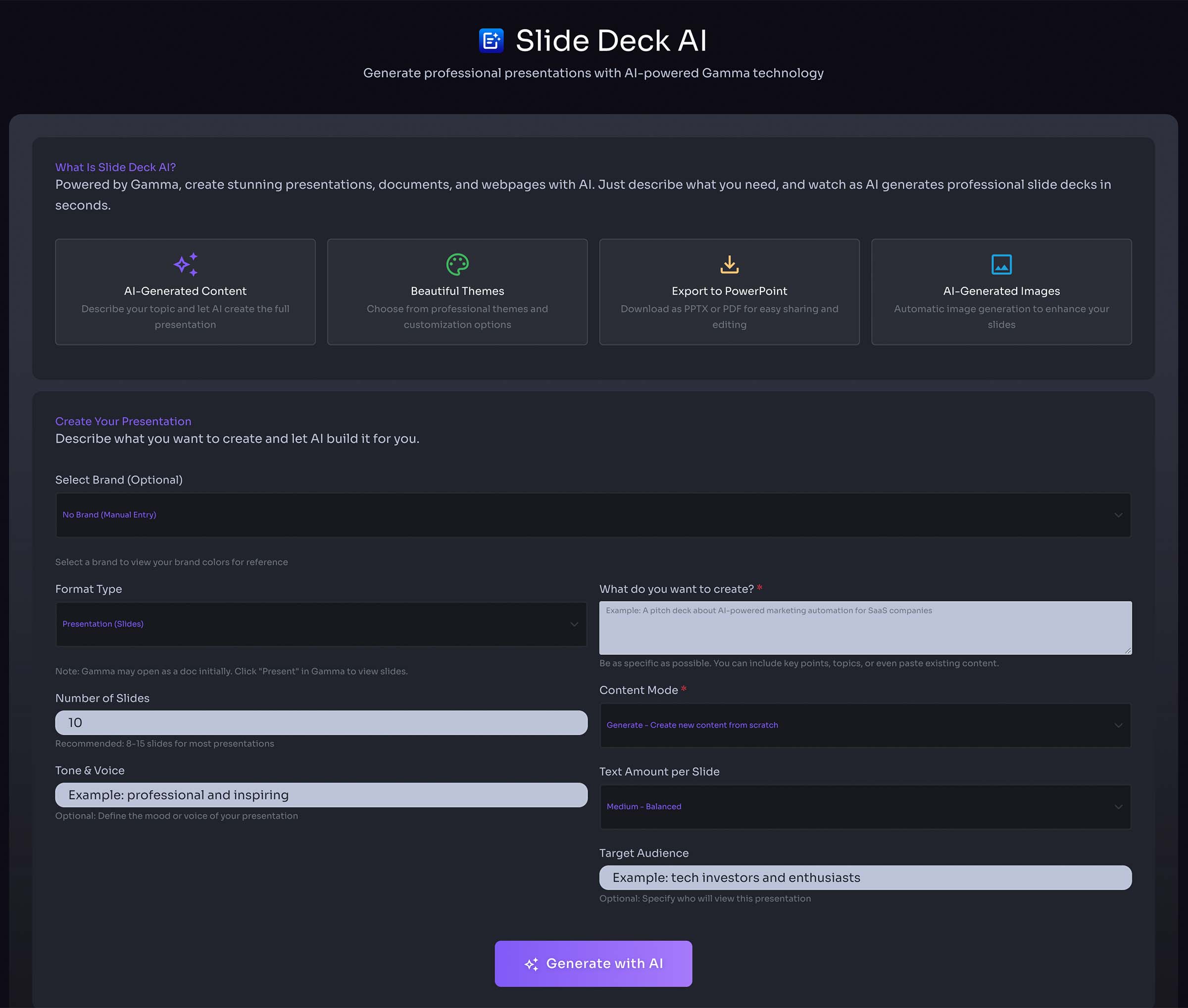
Slide Deck AI
- Generate professional slide decks with AI
- Input topic or outline for automatic slide creation
- Customize layouts and content with AI assistance
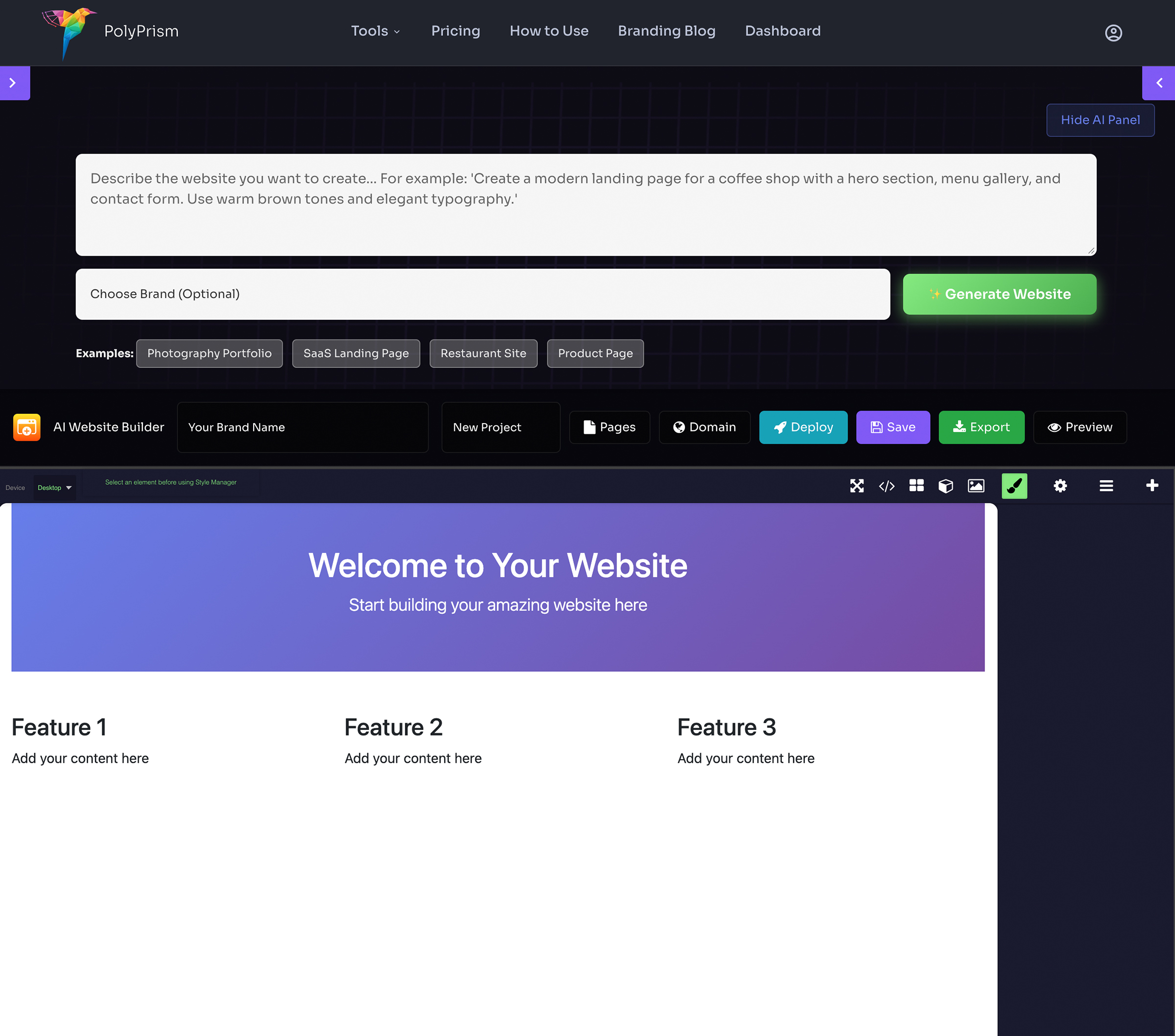
AI Website Builder
- Select a brand to use brand colors and logo
- Describe your website or select from prompt ideas
- AI generates a complete website design
- Edit with the visual drag-and-drop editor
- Add pages, global header/footer components
- Upload a custom favicon
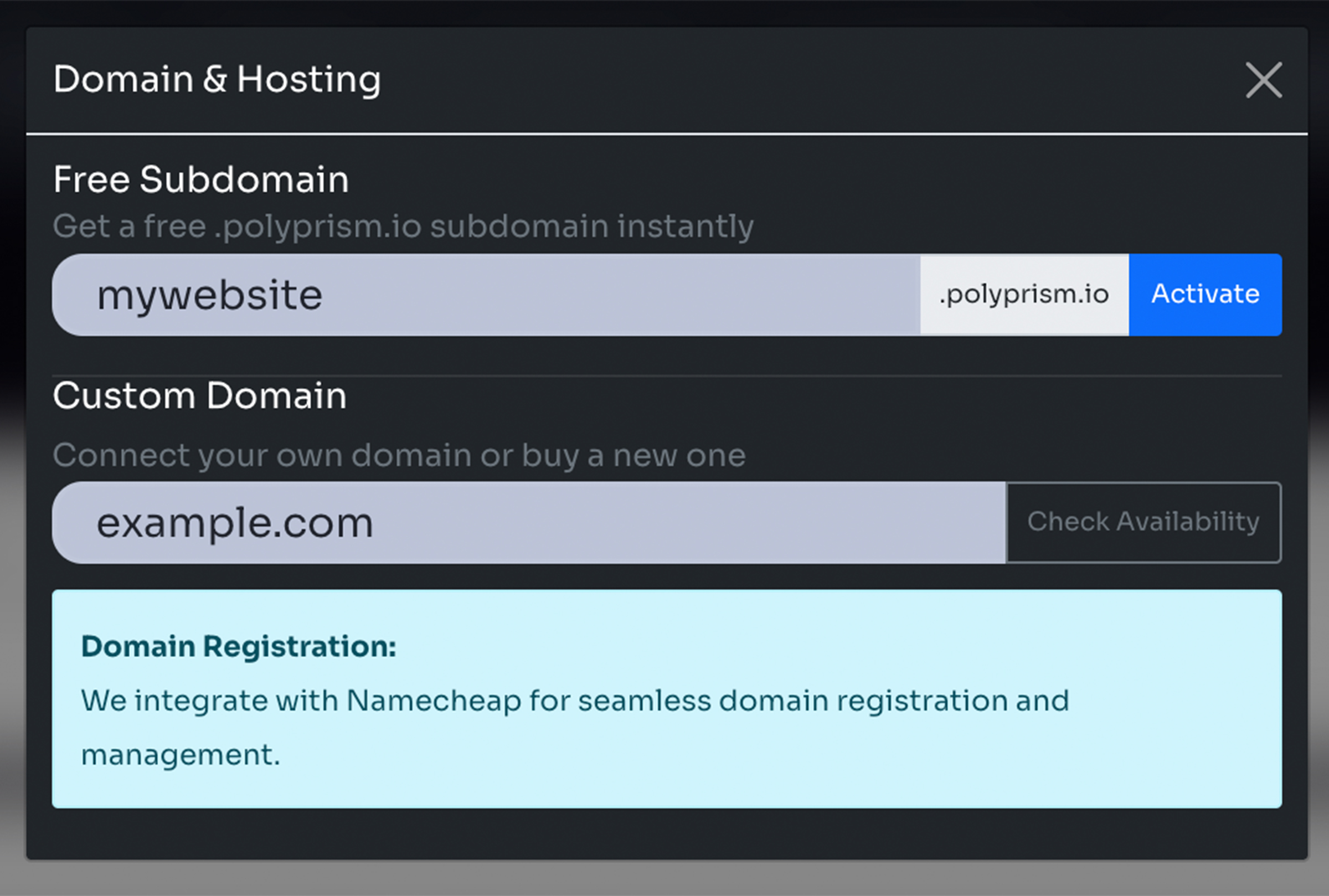
Domains & Hosting
- Get a free subdomain (yoursite.polyprism.io)
- Connect your own custom domain
- Automatic SSL certificate provisioning
- One-click deployment
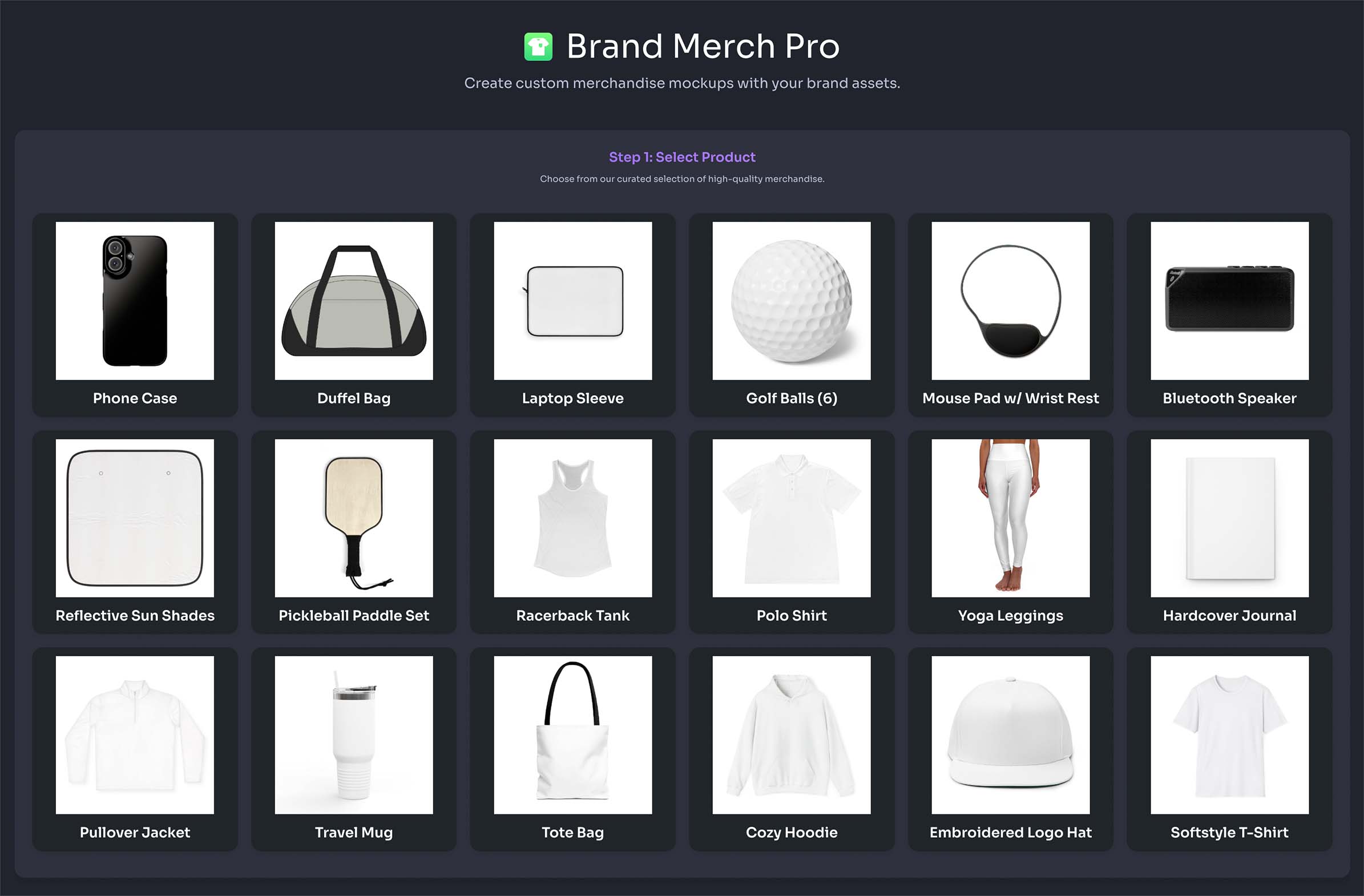
Brand Merch
- Select product
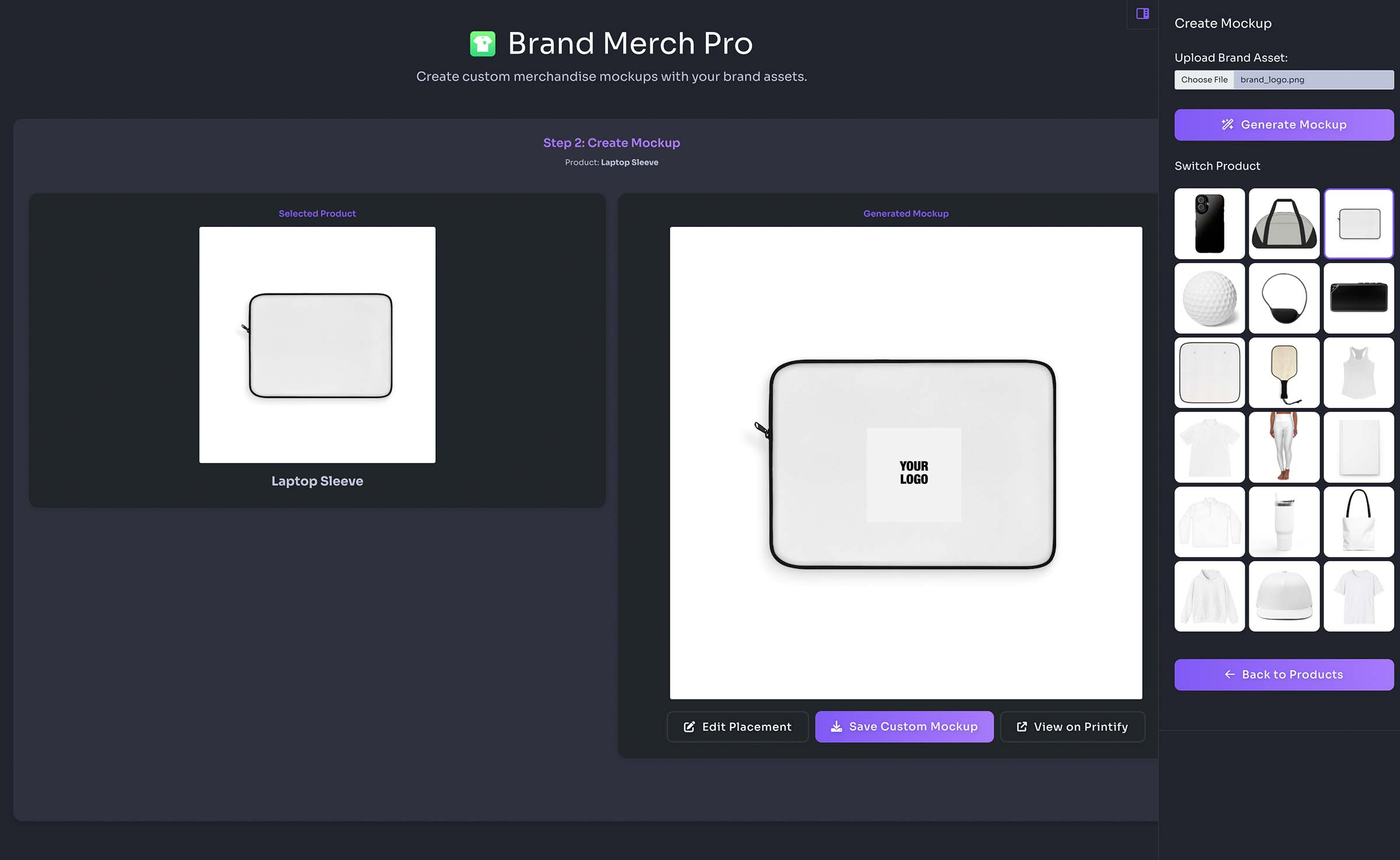
- Upload logo or image
- Edit placement
- Save custom mockup
- View product on Printify
Brand Connections
- Select brand
- Connect to Facebook
- Update Facebook cover image
- Update Facebook profile image